

Description
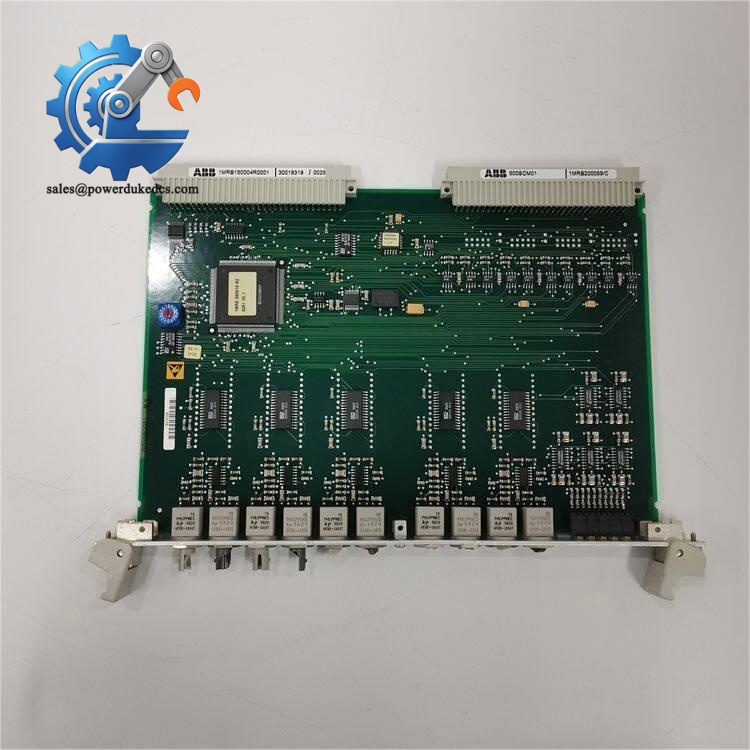
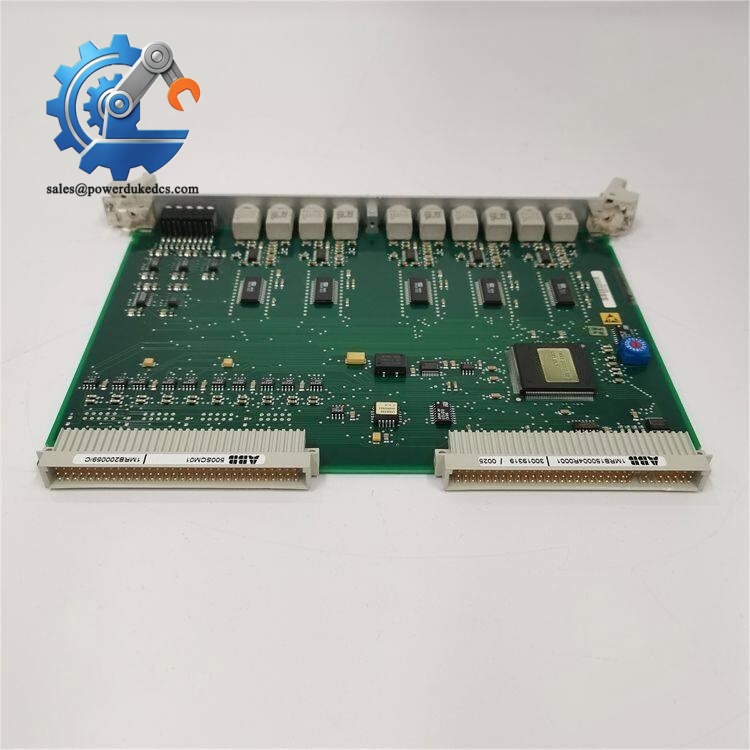
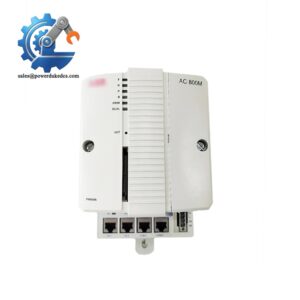
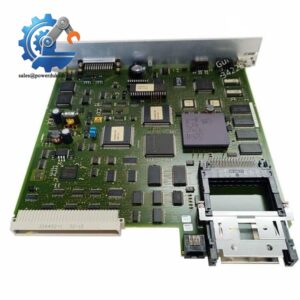
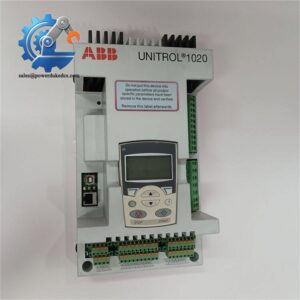
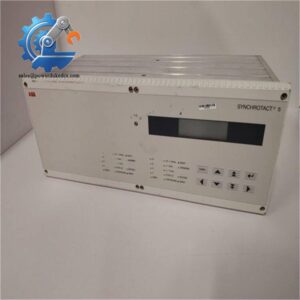
- ABB 500SCM01 | Automation Bus Interface Module
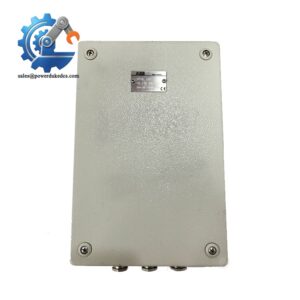
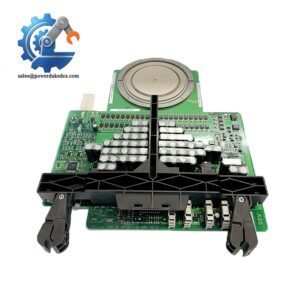
Unboxing & Physical Snapshot
- Model & Brand: ABB 500SCM01
- Product Type: ABB AC500/S500 Star Coupler Module used for PLC communication expansion and bus interconnection applications. The module provides a communication interface within ABB automation architectures where distributed I/O connectivity is required.
- Approximate Physical Dimensions (W × H × D): Approximately 120 × 140 × 100 mm (final dimensions depend on terminal unit and mounting accessories)
- Estimated Shipping Weight: Approximately 1.0-1.5 kg including ESD protection and transport packaging.
- What’s in the Box:
- ABB 500SCM01 Star Coupler Module
- Terminal connection interface
- Mounting accessories when supplied
- Protective anti-static shielding bag
- Product identification label
- Documentation package when available
Product Introduction
The ABB 500SCM01 is installed at the communication layer of an automation cabinet, where it provides the physical connection point required for network expansion and system architecture organization. The module mounts within the ABB AC500 automation environment and works with compatible PLC hardware to support structured communication layouts (which is important when maintaining distributed control cabinets across multiple plant areas).
This module is typically retained as a controlled spare because communication hardware failures can isolate remote I/O segments or interrupt controller-to-device data exchange. Replacement requires checking the installed AC500 configuration, firmware compatibility, network topology, and hardware revision. A matching enclosure footprint alone does not confirm system compatibility.
Core Technical Specifications
| Parameter | Value |
|---|---|
| Manufacturer | ABB |
| Model | 500SCM01 |
| Product Family | ABB AC500 Automation System |
| Product Type | Star Coupler Module |
| Application | PLC communication expansion / network coupling |
| Mounting Method | ABB AC500/S500 modular mounting system |
| Communication Function | Star topology communication interface |
| Power Supply | 24 VDC system supply |
| Power Consumption | System configuration dependent |
| Maximum Power Dissipation | Approximately 6 W class for comparable S500 communication modules |
| Operating Temperature | Industrial control cabinet environment |
| Cooling Method | Natural convection cooling |
| Installation Position | Horizontal preferred; vertical mounting may require derating |
| Diagnostic Interface | Status indication LEDs |
| Housing Protection | IP20 cabinet installation |
| Weight | Approximately 125 g without terminal unit for comparable S500 modules |
- ABB 500SCM01
? Global Compliance & Industry Certifications
Expected regulatory approvals and compliance considerations for the ABB 500SCM01 include:
- CE Mark: Applicable for approved ABB AC500 system installations meeting EMC requirements.
- UL/cUL Recognition: May apply when installed as part of a certified industrial control panel.
- RoHS Compliance: Expected for applicable manufacturing revisions.
- ATEX / IECEx: Not generally a standalone certification for this communication module; hazardous-area suitability depends on the complete cabinet design, enclosure, and approved associated equipment.
- Marine Approvals (DNV GL): Applicable only when integrated into certified marine automation systems.
Communication modules are frequently reviewed during automation audits because incorrect hardware substitution can affect network documentation, spare part traceability, and validated system configurations.
Verify specific lot certifications with OEM.
? Long-Term Storage & Asset Preservation Guide
Keep the ABB 500SCM01 inside the original anti-static shielding bag during warehouse storage. The PCB assembly, connector contacts, and communication components should remain protected from ESD exposure and airborne contamination.
Maintain storage humidity below 60% RH and avoid areas exposed to condensation, chemical vapors, or corrosive gases. Connector oxidation is a common cause of intermittent communication faults after long storage periods.
Inspect stored units every 12-24 months. Check the housing, terminal interface, mounting clips, LED windows, and identification label. Before installation, compare the module revision and network configuration against the approved PLC hardware inventory.
Physical Installation Prerequisites
- Install the 500SCM01 only within the approved ABB automation architecture.
- Verify the communication topology before insertion into the system.
- Mount securely using the designated modular connection mechanism.
- Maintain at least 50 mm clearance around cabinet airflow paths where enclosure design permits.
- Confirm protective earth grounding for the control cabinet.
- Keep communication wiring separated from high-current motor and drive cables.
- Verify terminal connections and cable shielding requirements.
- Confirm PLC firmware and communication settings before commissioning.
- ABB 500SCM01
Buyer’s FAQ (Logistics & Compliance Focus)
Q: What HS Tariff Code is commonly used for an ABB 500SCM01 shipment?
A: Industrial communication modules are commonly evaluated under HS classifications related to electrical control equipment, often within headings such as 8537 or 8517, depending on declared function and customs interpretation.
Q: Does Country of Origin affect receiving and compliance records?
A: Yes. COO documentation supports customs clearance, warranty tracking, and automation asset traceability. Verify the origin marking on the module label and supplier documentation before warehouse acceptance.
Q: Should this communication module ship with insurance coverage?
A: Recommended. The module contains sensitive electronic communication circuitry. Transport shock, moisture exposure, or electrostatic damage may not be visible during receiving inspection.
Q: Does the ABB 500SCM01 include the latest firmware pre-loaded?
A: Firmware availability depends on the specific hardware revision and system configuration. Confirm firmware compatibility, PLC project version, and communication parameters before installing the spare into an operating control system.



 Start Chat


