

Description
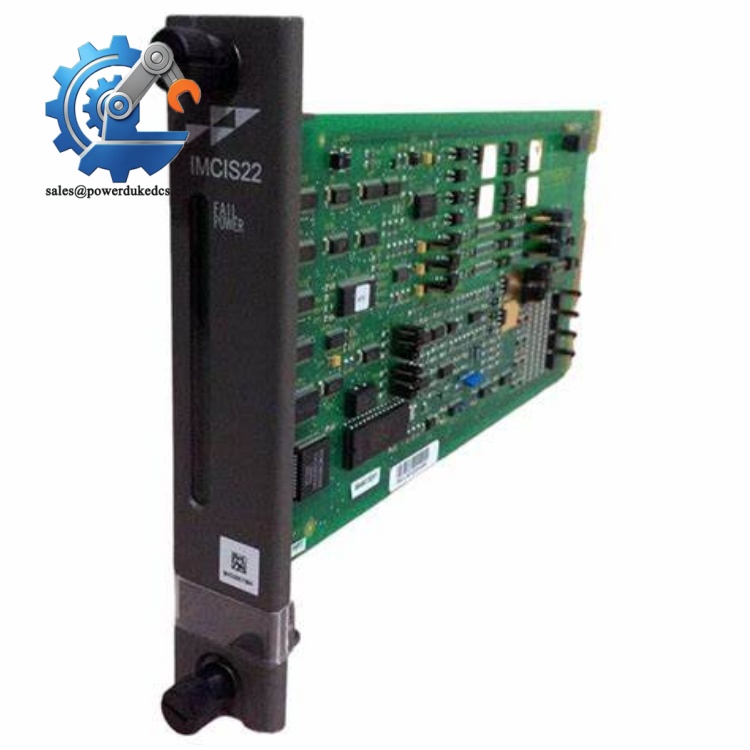
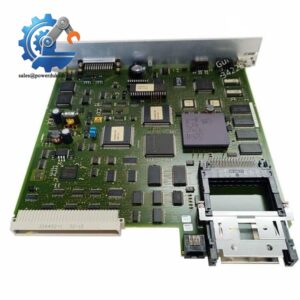
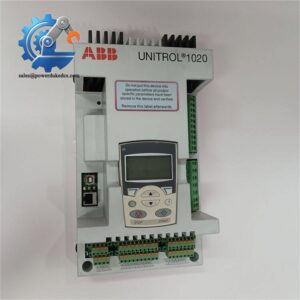
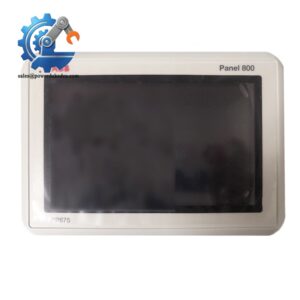
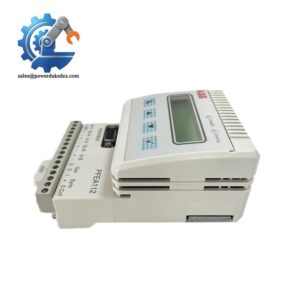
- ABB IMCAM07B0000 | Multi-Interface Servo Control Module Supporting Real-Time Position Loop
Product Core Brief
- Model: IMCAM07B0000
- Brand: ABB
- Series: Industrial Motion Control Series
- Core Function: Executes closed-loop position control to drive servo motors for precision motion tasks
- Type: Servo Motion Control Drive Unit
- Key Specs: Multi D-Sub signal interfaces; high-speed position loop; built-in motion algorithm; EMC industrial design
- Condition: Original tested stock, fully powered tested before shipment
Product Introduction
Key Technical Specifications
| Parameter Item | Technical Data |
|---|---|
| Part Number | IMCAM07B0000 |
| Product Type | Servo Motion Control Unit |
| Control Mode | Closed-loop position control |
| External Interfaces | Multiple D-Sub connectors for encoder, drive command and digital I/O |
| Motion Features | Linear positioning, speed regulation, electronic gearing support |
| Operating Supply | 24 V DC auxiliary power |
| Operating Temperature | -20°C ~ +60°C |
| Storage Temperature | -40°C ~ +70°C |
| Installation Method | Standard cabinet DIN rail mounting |
| Protection Class | IP20, cabinet internal installation |
| Typical Application | Automated machinery, precision processing equipment |
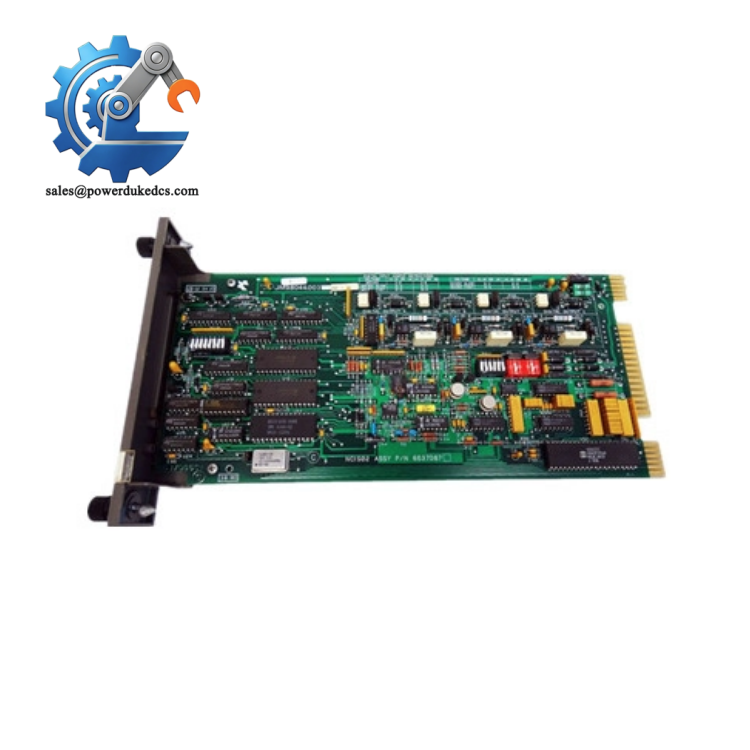
ABB IMCAM07B0000
Installation & Configuration Guide
Stage 1: Pre-Installation Preparation (15 mins)
Prepare tools: ESD wrist strap, insulated screwdriver, digital camera. Back up existing motion parameter files. Take clear photos of all D-Sub wiring pin assignment.
⚠️ Safety reminder: Servo system replacement can trigger unexpected axis movement after power restoration, lock all mechanical axes if possible.
Stage 2: Old Module Removal (12 mins)
Do not pull cables hard to avoid breaking internal wire cores. Check all connector pins for bending, corrosion or burn traces. Clean dust on connector surfaces with anti-static cloth.
Stage 3: New Module Installation (20 mins)
Mount the unit firmly onto DIN rail. Reconnect all D-Sub connectors strictly following reference photos. Do not force plug-in if connectors do not align.
Pre-power self-check: Verify all connectors are fully locked, no loose wiring inside control cabinet.
Stage 4: Power-On & Motion Commissioning (45 mins)
Connect engineering software and import saved motion parameters. Run homing sequence for each servo axis.
Execute low-speed jog test to check direction and positioning response. Watch for abnormal vibration or position drift.
Carry out continuous cyclic operation test for minimum 30 minutes. Confirm no motion alarms before switching machine back to automatic production mode.
Frequently Asked Questions (FAQ)
It depends on encoder signal type and drive interface definition. Direct compatibility is only guaranteed for matched ABB servo motors. Verify signal protocol before pairing third-party motors.
Hot removal is prohibited. Power disconnection will stop servo axes instantly and may cause workpiece collision. Full machine shutdown is mandatory during replacement.
Most cases come from lost parameter settings. Always export parameters before removing old hardware. Re-run axis homing after loading configuration.
Check D-Sub pins for bending or poor contact. Confirm encoder cable shielding is grounded at single end. Loose encoder wiring will trigger position loss alarms.
If the new controller firmware version differs from original, motion algorithm differences may lead to inconsistent axis performance. Record original firmware version before purchasing.
Classified as critical slow-moving spare part. Maintain one unit buffer stock for key production machines. Negotiate consignment inventory to reduce capital occupation.



 Start Chat


