

Description
- Model: LWN2660-6
- Brand: ABB
- Series: LWN Series / Convert Select
- Core Function: Converts wide-range input power to stable 24 V DC
- Type: DIN rail AC/DC power supply
- Key Specs: 85–264 V AC / 90–350 V DC input; 24 V DC output; 10 A total output
- Condition: New Original (New Surplus) — actual stock condition should be confirmed before order
Product Introduction
ABB LWN2660-6 is an industrial AC/DC power supply for control cabinets and automation equipment. The documented ABB designation identifies it as a POWER SUPPLY, while available technical references associate the part with a 24 V DC, approximately 250 W class supply.
For replacement planning, the electrical rating matters more than the product name. Available specifications list a wide input range of 85–264 V AC or 90–350 V DC, with 24.7 V DC nominal output and up to 5 A per independent output in the dual-output version. Some market records describe the total power as about 247–250 W. Verify the exact nameplate before final selection because suffix variants such as LWN2660-6E and LWN2660-6EG also exist.
Key Technical Specifications
| Parameter | Specification |
|---|---|
| Manufacturer | ABB |
| Model | LWN2660-6 |
| Product Type | AC/DC Industrial Power Supply |
| ABB Product ID | 3BHL000986P7002 |
| Input Voltage | 85–264 V AC / 90–350 V DC |
| Nominal Output | Approx. 24 V DC |
| Output Adjustment | Approx. 24.0–25.8 V DC |
| Output Configuration | Dual independent outputs |
| Output Current | Up to 5 A per output |
| Total Output Current | Up to 10 A |
| Nominal Power | Approx. 247–250 W |
| Mounting | DIN rail |
| Application | Industrial control cabinets and automation systems |
| Country of Origin Listed | Switzerland / Finland |
| Tariff Code Listed | 85044090 |
| Related Designations | LWN2660-6E, LWN2660-6EG |
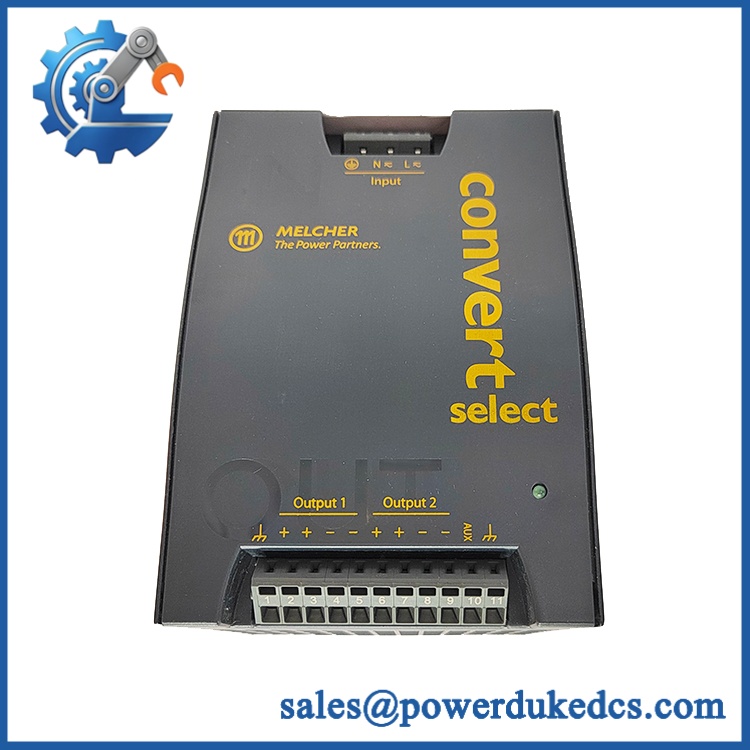
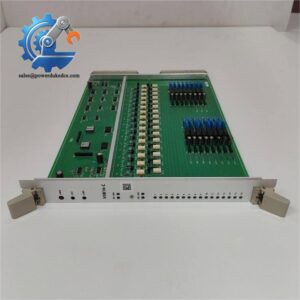
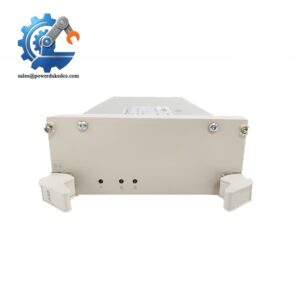
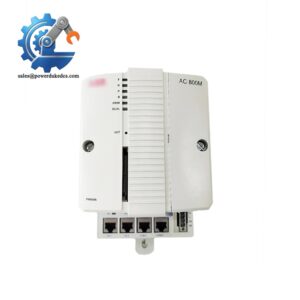
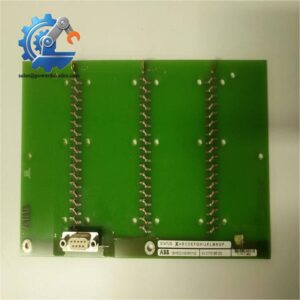
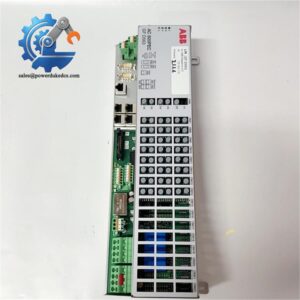
ABB LWN2660-6
ABB-related catalog data lists 3BHL000986P7002 as the replacement product ID associated with the LWN2660-6E designation, while other technical listings identify LWN2660-6 as a 24 V, approximately 250 W power supply.
Important: Do not treat LWN2660-6, LWN2660-6E, LWN2660-6EG, and other suffix variants as automatically interchangeable. Check the nameplate and electrical drawing. Bel Fuse lifecycle documentation also lists LWN2660-6E moving to LWN2660-6EG, showing that suffix changes can relate to product lifecycle or compliance revisions.
Installation & Configuration Guide
Estimated replacement time: 30–40 minutes.
Stage 1: Pre-Installation — About 10 minutes
⚠️ Safety first. This is an AC/DC power supply. Work only under the site’s electrical safety and lockout/tagout procedure.
- Notify the production team about the planned shutdown.
- Put the connected control system into a safe state.
- Disconnect the incoming AC/DC power.
- Isolate upstream protection and UPS circuits where applicable.
- Verify the absence of hazardous voltage with a suitable meter.
- Wait for stored energy to discharge according to the equipment manual.
Prepare:
- ESD wrist strap
- ESD mat
- Insulated screwdriver
- Calibrated multimeter
- Cable labels
- Marker
- Phone or camera
- Torque screwdriver if specified by the cabinet drawing
Before removing anything, photograph the complete power-supply wiring.
That photo can save 20 minutes later.
Stage 2: Remove the Existing Unit — About 8 minutes
- Record the existing model and serial number.
- Photograph the input and output terminals.
- Label each wire before disconnecting it.
- Confirm the polarity of every DC output conductor.
- Loosen the terminal screws.
- Remove the wires without pulling on the insulation.
- Release the DIN rail mounting mechanism.
- Lift the power supply away from the rail.
Check the wiring afterward.
Look for heat discoloration, loose ferrules, damaged insulation, or corrosion. If the old power supply failed because of an overloaded output, replacing the unit without checking the downstream load is asking for a repeat failure.
Stage 3: Install the Replacement — About 8–10 minutes
- Verify the model and electrical rating.
- Check the nameplate against the cabinet BOM.
- Confirm that the input voltage matches the site supply.
- Confirm that the required DC load does not exceed the output rating.
- Mount the unit on the DIN rail.
- Reconnect the input conductors.
- Reconnect the DC output conductors.
- Check positive and negative polarity carefully.
- Tighten terminals using the applicable manufacturer’s torque specification.
- Gently pull each wire to confirm mechanical retention.
Do not copy a generic 0.5 N·m torque value. The correct terminal torque must come from the applicable product documentation or cabinet drawing.
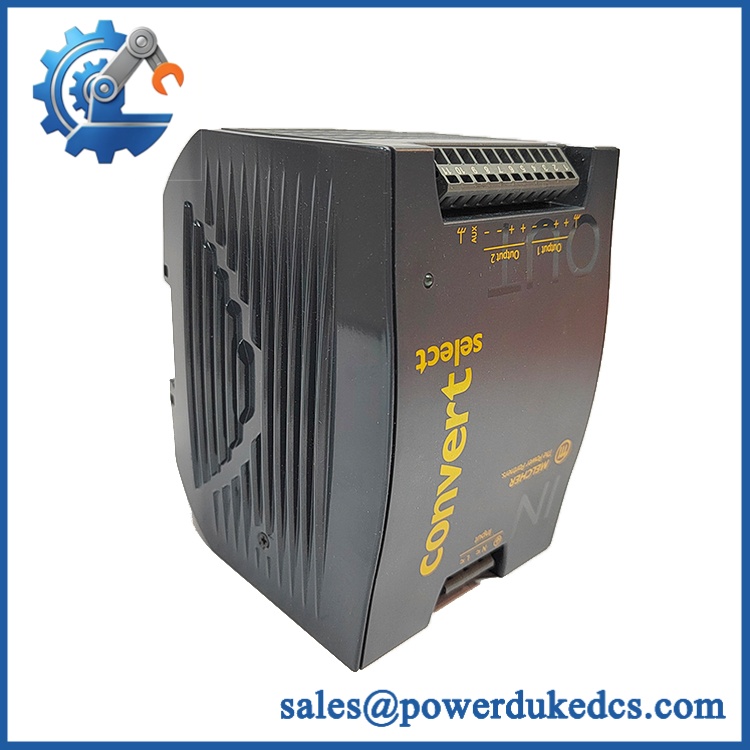
ABB LWN2660-6
Stage 4: Power-On and Testing — About 10 minutes
Before energizing:
- Input wiring checked
- Output polarity checked
- Load current calculated
- DIN rail latch secured
- Terminal screws checked
- No loose metal parts inside cabinet
- Grounding checked where applicable
Then:
- Energize the upstream supply.
- Measure the DC output voltage.
- Confirm that the output is within the expected operating range.
- Energize the connected PLC/DCS/I/O equipment.
- Check for abnormal alarms.
- Monitor the power supply and cabinet temperature.
- Confirm stable operation for at least 30 minutes.
- Record the replacement date and serial number.
If the output voltage is abnormal, disconnect the load and investigate. Do not repeatedly cycle power into an unknown fault.
FAQ
1. Is ABB LWN2660-6 a PLC module?
No. It is a power supply, not a CPU, I/O, or communication module. ABB catalog information describes the product as “POWER SUPPLY,” and related records identify it as an AC/DC supply.
2. What input voltage does accept?
Available technical listings specify 85–264 V AC or 90–350 V DC. The actual cabinet supply must still be checked before installation.
3. Can I directly replace LWN2660-6E with ?
Do not assume that. The suffix identifies a specific product variant. ABB catalog data associates with product ID HL000986P7002 and lists 3BHL000986P7002 as a replacement product ID. Check the complete part number and nameplate before ordering.
4. How much load can the 24 V output supply?
One available specification lists 5 A per output, with two independent 24.7 V DC outputs and approximately 247 W nominal power. Confirm the exact output configuration on the physical unit before designing the replacement.
5. Can I use a different 24 V / 10 A power supply instead?
Technically, possibly, but voltage and current alone are not enough.
Check:
| Item | What to verify |
|---|---|
| Input range | Must cover the actual cabinet supply |
| Output voltage | Must match the control system |
| Output current | Must cover continuous and peak load |
| Mounting | DIN rail and cabinet space |
| Output isolation | Match system requirements |
| Protection | Overload, short circuit, overvoltage |
| Terminal layout | Wiring must remain practical |
The cheaper unit is not always cheaper after rewiring, cabinet modification, and commissioning time are included.
6. Should I keep this part in spare inventory?
For a critical control cabinet, one buffer unit is sensible. This is a slow-moving spare, so holding five or ten pieces can tie up capital unnecessarily.
A practical starting point:
- Critical equipment: Min 1 / Max 1–2
- Short supplier lead time: Min 0–1 / Max 1
- Long lead time or EOL risk: Consider Min 1 / Max 2
- Low criticality: Vendor stock or consignment
That balances stock-out risk against carrying cost.
7. Is discontinued?
The situation needs care. Bel Fuse lifecycle documents show several LWN DIN-rail variants moving to newer lead-free suffix versions, including → LWN2660-6EG. A separate market listing describes itself as discontinued.
For an installed system that depends on this part, check current manufacturer availability before the existing stock reaches zero. If supply is ending, a last-time-buy decision should be based on failure history, lead time variability, installed-base size, and total cost of ownership—not simply on unit price.



 Start Chat


