

Description
At-A-Glance Executive Brief
- Model: P8310
- Brand: ABB / ICS Triplex Trusted
- Series: Plantguard / Trusted
- Part Type: Expander Processor
- Core Function: Provides the processing and fault-contained interface between the Trusted expansion bus and an expansion chassis backplane.
- Key Architecture: Hardware-implemented fault tolerance (HIFT) with Triple Modular Redundancy (TMR); dual-redundant 24 V DC supply.
- Related Identification: P8310C / T8310 / T8310C references are used for closely related versions.
Product Introduction
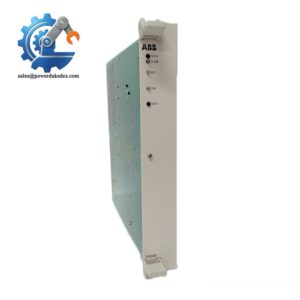
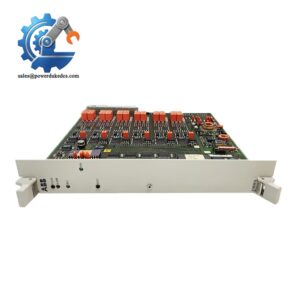
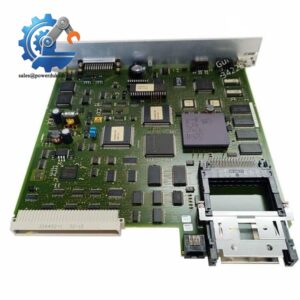
The P8310 sits in the processor position of a Trusted/Plantguard expansion chassis. It is not an ordinary PLC CPU or standalone I/O module; its job is to provide the expander processor function and maintain the communication path between the expansion bus and the chassis backplane.
In field deployments, this module is used when a Trusted system needs additional I/O chassis capacity while retaining the system’s fault-tolerant architecture. The expander bus uses a triplicated point-to-point architecture, with voting at the bus interface to contain cable-related faults. Internally, communication with the expansion-chassis I/O modules takes place through the fault-tolerant inter-module bus (IMB).
The P8310 is therefore a specialized legacy safety-system spare. For procurement, the exact hardware revision matters; certified Plantguard documentation lists both P8310 and P8310C as approved Expander Processor variants.
Core Technical Specifications
| Parameter | Value |
|---|---|
| Manufacturer / Brand | ABB / ICS Triplex |
| Model | P8310 |
| Product Family | Plantguard / Trusted |
| Product Type | Expander Processor |
| Associated Model | T8310 / T8310C |
| Architecture | Triple Modular Redundant (TMR) |
| Fault-Tolerance Method | Hardware Implemented Fault Tolerant (HIFT) |
| Operating Mode | Fault-tolerant 3-2-0 |
| Installation Location | Processor slots of Trusted Expander Chassis |
| Associated Chassis | P8300 / T8300 family |
| Expander Bus | Triplicated point-to-point architecture |
| Backplane Interface | Trusted IMB |
| Power Supply | Dual-redundant +24 V DC |
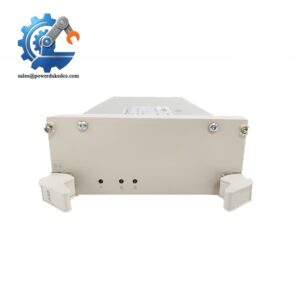
| Status Indication | Front-panel status LEDs |
| Diagnostics | Dedicated hardware and software test regimes |
| Replacement Strategy | Hot standby and module sparing supported |
| Approved Hardware Release | P8310: J; P8310C: J in Plantguard certification records |
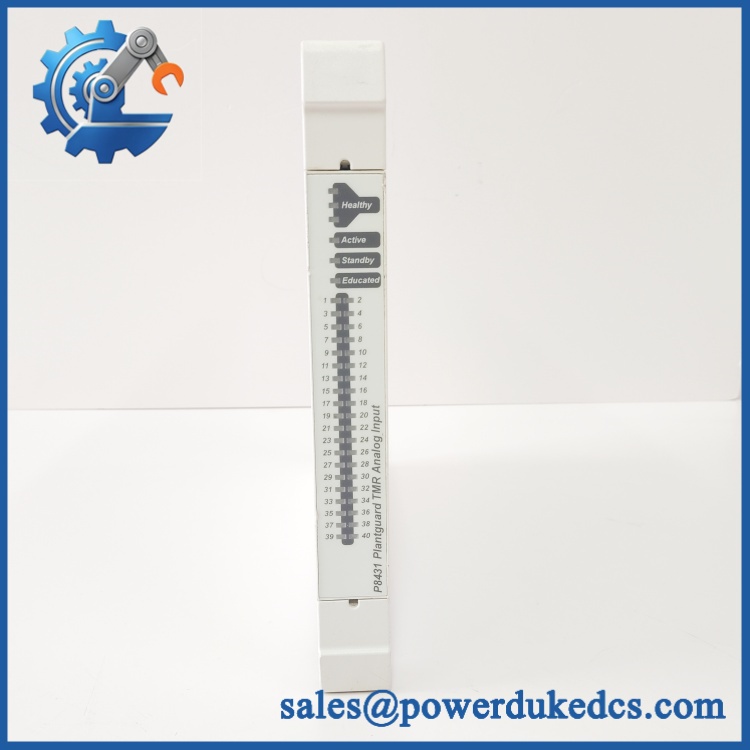
ABB P8310
The available technical description states that each fault-containment region derives its internal supplies independently from the dual-redundant 24 V DC source. The expander processor also supports automatic and manual repair strategies through hot standby and module sparing configurations.
Application Scenarios & Pain Points
A failed expansion processor can stop an otherwise healthy safety-system chassis from communicating correctly with the main controller. Keeping a verified P8310 spare on site can therefore reduce the exposure created by long lead times on legacy safety hardware.
- Oil & Gas: In an ESD or F&G installation, provides the processor interface for an expansion chassis carrying distributed safety I/O. (Plant environments can exceed 50°C, so cabinet ventilation and thermal inspection matter.)
- Petrochemical: During planned shutdown maintenance, a tested spare can be installed as part of a controlled module-replacement procedure rather than waiting for a factory procurement cycle.
- Power Generation: Large distributed protection systems may use multiple expansion chassis. The architecture allows the expansion bus to retain fault tolerance while extending the system’s I/O capacity.
- Marine and Offshore: Where physical access is restricted, module sparing becomes particularly useful because the Trusted architecture supports hot-standby and replacement strategies.
? Common Error Codes & Diagnostic Symptoms
Symptom/Code: Expander Processor Fault / Processor Status LED indicates a module fault
→ Diagnosis: Internal processor, hardware fault-containment, or expander communication failure may prevent the chassis from maintaining normal redundant operation.
→ Action: Check chassis power, associated P8311 interface hardware, expander-bus connections, and diagnostics before replacing the .
Symptom/Code: Expansion chassis unavailable or I/O communication lost
→ Diagnosis: A failure in the , P8311, triplicated expander bus, or backplane interface can interrupt communication between the main Trusted processor and the expansion chassis.
→ Action: Review system diagnostics and cable status first; replace the suspect processor only after isolating the fault.
Symptom/Code: Persistent processor fault after power-cycle
→ Diagnosis: If external power and bus connections are confirmed healthy, an internal processor or fault-containment-region failure becomes a reasonable replacement candidate.
→ Action: Substitute with a verified compatible /P8310C revision and perform the approved system validation procedure.
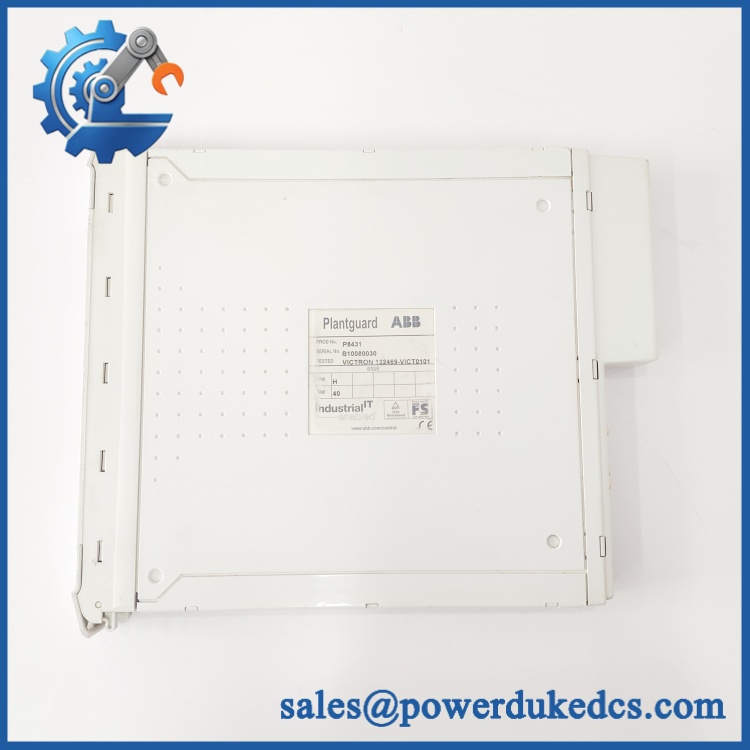
ABB P8310
? Cross-Reference & Lifecycle Migration
Cross-Reference
The family appears under several related designations:
- — Plantguard/Trusted Expander Processor
- P8310C — later/closely related C-version
- T8310 / T8310C — Trusted product designations associated with the same expander-processor function.
Do not treat these designations as automatically interchangeable. The certified Plantguard records distinguish and P8310C by hardware release, so the installed system’s hardware revision and approved software configuration should be checked before a substitution.
Firmware / Configuration
The expander processor is part of a safety-system architecture, so firmware compatibility should be verified against the existing P8110/P8151/P8311 configuration and the Plantguard/Trusted software release. Do not flash firmware simply to make a spare “match” unless the approved OEM procedure explicitly requires it.
Lifecycle Status
Lifecycle: Legacy / Limited-availability spare.
is associated with the earlier Plantguard/Trusted generation, while current ABB automation product selectors focus on newer AC 800M and S800 product families.
For an operating safety system, this is a good candidate for buffer-stock planning. Keep at least one tested spare when the site depends on an installed legacy Plantguard/Trusted expansion architecture and replacement lead time is difficult to control.
Field Engineer’s Tech Notes
- Check the expander interface before condemning the processor. communicates with the main TMR processor through the P8311 Expander Interface and the triplicated expander bus. A bad cable, P8311, or connector can produce symptoms that look like a failed .
- Do not treat “hot replacement” as permission to pull any module at any time. Although the architecture supports hot replacement/module sparing, the actual maintenance action must follow the site’s approved safety-system procedure. Confirm the standby state, system diagnostics, and maintenance authorization before removing a processor from a live safety chassis.
Strict QA & Testing SOP
Step 1 — Inbound identification
Verify the label against and record the hardware release, serial number, and visible revision markings. Photograph the front and rear of the module.
Step 2 — Physical inspection
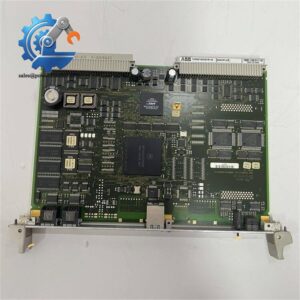
Inspect the PCB, backplane connector, front-panel indicators, retaining hardware, and enclosure for corrosion, contamination, mechanical damage, or evidence of previous repair.
Step 3 — Power-path verification
Check the module interface for correct connection to the redundant 24 V DC supply path. Do not apply uncontrolled external voltage directly to the module.
Step 4 — Live rig testing
Install the unit in an appropriate Trusted/Plantguard test chassis. Verify processor startup, front-panel status indication, chassis recognition, and expander-bus communication.
Step 5 — Redundancy and diagnostic checks
Where the test setup supports it, verify the TMR/fault-containment behavior and confirm that system diagnostics correctly identify module health and communication status.
Step 6 — Final QC
Record the test results, hardware revision, and serial number. Package the module in an ESD-safe bag with protective cushioning and a rigid outer carton.
Test reports, inspection photographs, and test videos are available upon request for the specific unit being supplied.
Buyer’s FAQ
Q: Can I hot-swap the ?
A: The Trusted architecture supports hot replacement and module-sparing strategies, but the actual replacement must follow the approved site maintenance procedure. Do not remove a live module based solely on the fact that the architecture supports hot replacement.
Q: Is the same as T8310C?
A: They belong to the same expander-processor family, and procurement references associate , T8310, and T8310C. However, hardware revision and system certification must be checked before treating one as a direct replacement.
Q: How do I know the replacement is New Original?
A: Ask for the physical nameplate, serial-number photograph, hardware-revision marking, and packaging information. For New Surplus stock, the unit should be unused but may carry an older manufacturing date because this is legacy safety hardware.
Q: What warranty can be provided?
A: Warranty terms depend on whether the unit is New Original/New Surplus or refurbished. For refurbished units, request the unit-specific functional test report before issuing the purchase order.



 Start Chat


