

Description
Module 2: The 10-Second Procurement Snapshot
- Brand: ABB
- Full Model Number: DSQC627 / 3HAC020466-001
- Lifecycle Status: Legacy ABB Robotics spare; verify current OEM status
- Core Function: IRC5 robot controller communication and interface
- Top 3 Technical Specs: IRC5 platform; industrial communication interface; controller-mounted electronic module
- Stock & Condition: New Surplus / Tested Refurbished; physical stock confirmed before shipment
Module 3: Supply Chain & Technical Deep Dive
A failed controller board in an ABB robot cell can turn a small electronic fault into a production outage. DSQC627, part number 3HAC020466-001, belongs to the ABB Robotics spare-parts ecosystem and is associated with the IRC5 controller platform. For procurement, the complete part number matters: similar-looking DSQC boards can have different functions, connectors, and controller compatibility.
The TCO case is straightforward. A verified spare held locally can cost far less than several hours of robot-cell downtime, especially when the alternative is waiting for a legacy board to be sourced. For an installed IRC5 system, confirm the controller version, RobotWare release, board revision, and existing configuration before approving the replacement. Do not treat the DSQC number alone as proof of software compatibility.
Module 4: Migration, Compatibility & Field Traps
Replacement Matrix
| Approval Item | Assessment |
|---|---|
| Replacement Type | Direct replacement candidate when part number and revision match |
| Exact Part Match | DSQC627 / 3HAC020466-001 |
| Software Compatibility | Verify IRC5 controller and RobotWare compatibility |
| Firmware Requirement | Check before commissioning |
| Hardware Modification | Normally not required for an exact replacement |
| Configuration Transfer | Required where the board stores configuration |
| Engineering Approval | Required before returning the robot cell to AUTO |
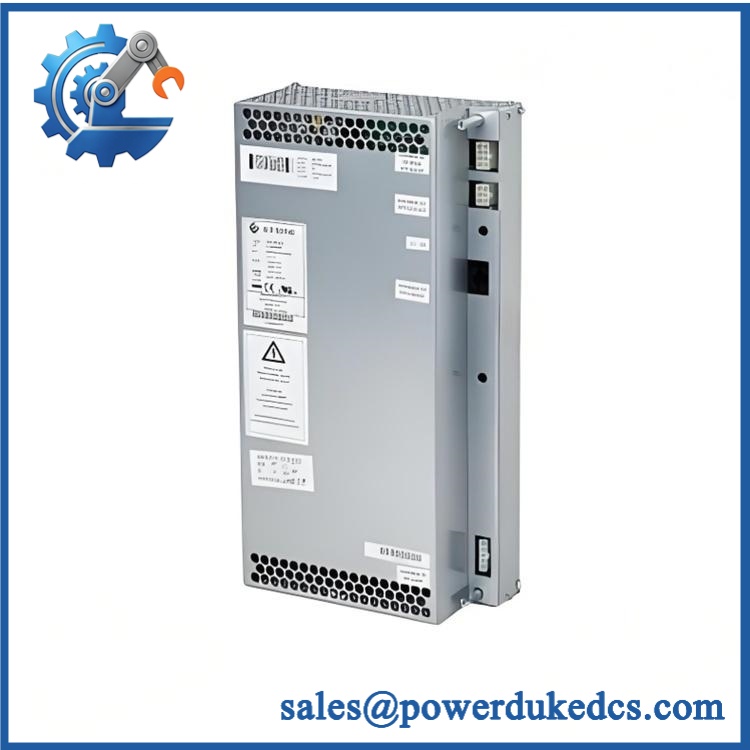
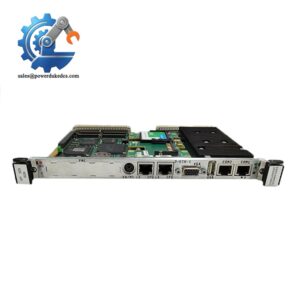
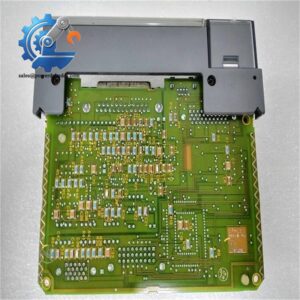
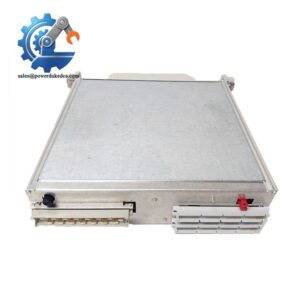
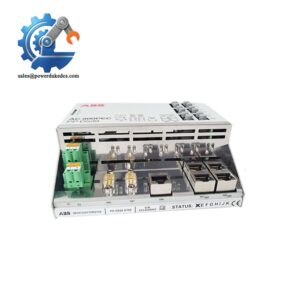
ABB 3HAC020466-001 DSQC627
⚠️ Field Trap 1 — RobotWare Version
An identical-looking controller board does not guarantee identical system behavior.
Before removing the old board:
- Record the IRC5 controller type.
- Record RobotWare version.
- Save the controller backup.
- Photograph the board label.
- Record connector positions.
- Record any configured network parameters.
Keep the original backup. Do not overwrite it during commissioning.
⚠️ Field Trap 2 — Connector and ESD Damage
Robot controller electronics are sensitive to static discharge.
Use an ESD wrist strap and ESD-safe work surface. Disconnect power according to the ABB service procedure, then allow the controller to reach a safe condition before removing the module.
Check every connector before reassembly. A partially seated connector can produce a fault that looks like a software problem.
Module 5: Quality Assurance & Testing SOP
A robot controller spare should be tested as an electronic assembly, not released solely from a visual inspection.
1. OEM Identification Inspection
- Verify ABB label.
- Match DSQC627 / 3HAC020466-001.
- Record serial number.
- Record hardware revision.
- Inspect PCB and connectors.
- Check for corrosion, cracked components, heat marks, or repair traces.
- Compare board layout with the approved reference configuration.
2. Power-On Self-Test
Using a compatible ABB test environment:
- Apply the specified controller power.
- Check startup sequence.
- Observe controller diagnostic indicators.
- Confirm the module is recognized.
- Review controller event and diagnostic messages.
- Check for abnormal current draw or temperature.
3. Communication Test
Where applicable to the supplied configuration:
- Establish communication with the controller.
- Verify module recognition.
- Check controller diagnostics.
- Confirm required network interfaces.
- Verify communication stability during operation.
4. Functional Test
- Load an approved test configuration.
- Verify module response.
- Check controller communication.
- Execute the applicable diagnostic routines.
- Confirm no persistent hardware alarms.
- Run the controller for an extended observation period.
For an outage-critical spare, retain the actual test record.
5. Final QC
- Part number recorded
- Serial number recorded
- Hardware revision recorded
- Test configuration documented
- Functional test completed
- ESD packaging applied
- Shock protection added
- QC inspection signed
- Shipment photographs retained
Module 6: Procurement-Driven FAQ
1. Is ABB DSQC627 3HAC020466-001 physically in stock, and when can it ship?
Stock should be confirmed against the actual 3HAC020466-001 unit. For urgent robot-cell recovery, confirm quantity, condition, test status, and shipping cutoff before placing the order. Do not rely on a catalog quantity alone.
2. How do you verify the condition of a legacy DSQC627?
The unit should pass part-number verification, serial-number recording, PCB inspection, connector inspection, power-on diagnostics, and functional testing in a compatible ABB environment where available.
For a tested unit, request the test record and product photographs.
3. What happens if the replacement board is defective after installation?
The applicable warranty should be stated on the quotation or purchase order. Confirm the warranty duration, return authorization process, failure evidence requirements, and replacement or refund procedure before purchase.
4. Could RobotWare or firmware differences cause problems?
Yes. The board must be evaluated together with the controller type and RobotWare version. Record the existing software environment before removal. If the replacement hardware revision differs, obtain engineering confirmation before commissioning.
5. Can I install this and immediately run the robot?
No. After installation, verify controller recognition, diagnostics, configuration, communication, and safety-related functions. Restore the approved controller backup, then perform the required robot-cell checks before switching to automatic production.




 Start Chat


