

Description
- Model: FAZ-XHIN11
- Brand: Eaton
- Catalog Number: 286054
- Series: FAZ supplementary protection accessories
- Core Function: Provides auxiliary status indication for FAZ protection devices
- Product Type: Auxiliary switch / auxiliary contact
- Contact Function: 1 NO + 1 NC
- Rated Voltage: 250 V AC insulation; 230 V AC maximum operational voltage
- Rated Current: 6 A thermal current; up to 3 A at 250 V AC-13
- Mounting: Left side of compatible FAZ device
Eaton’s official product page currently lists FAZ-XHIN11 as discontinued and identifies FAZ-XHIN11-SP as a newer version.
Key Technical Specifications
| Parameter | Specification |
|---|---|
| Manufacturer | Eaton |
| Model Code | FAZ-XHIN11 |
| Catalog Number | 286054 |
| Product Type | Auxiliary switch |
| Application | Accessory for FAZ miniature circuit breakers |
| Contact Arrangement | 1 NO + 1 NC |
| Rated Operational Voltage | Up to 230 V AC |
| Rated Insulation Voltage (Ui) | 250 V AC |
| Conventional Thermal Current (Ith) | 6 A |
| Rated Current, AC-13 | 3 A at 250 V AC |
| Rated Current, AC-15 | 2 A at 250 V AC |
| Rated Current, DC-13 | 0.5 A at 110 V DC |
| Terminal Capacity | 0.5–2.5 mm² |
| Mounting Width | 8.8 mm / 0.5 module |
| Weight | 0.046 kg |
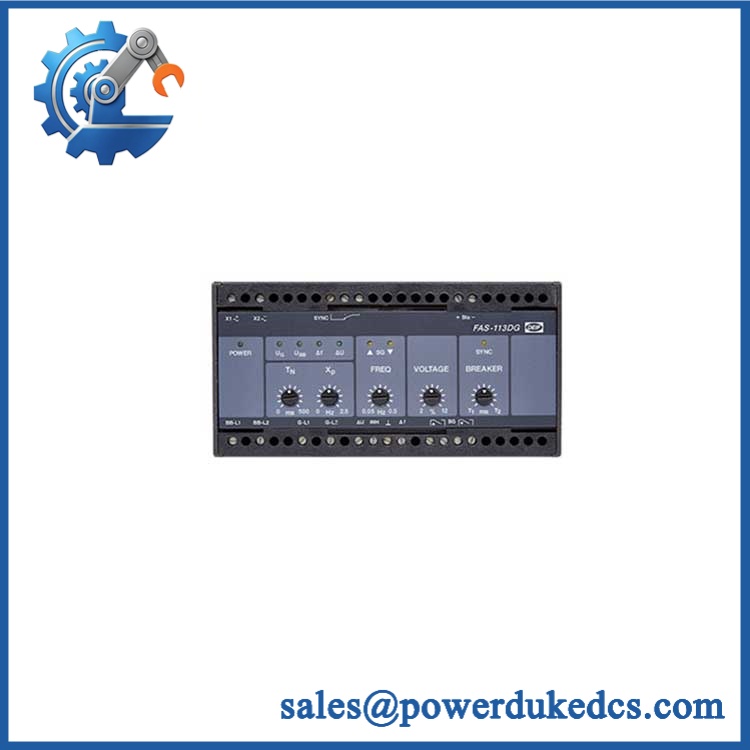
Eaton 286054 FAZ-XHIN11
Eaton also specifies IP40 when installed, a 2.5 kV impulse withstand voltage, and compatibility with FAZ devices, with a maximum of two accessories depending on the permitted configuration.
Product Introduction
FAZ-XHIN11 (286054) is an Eaton auxiliary switch designed for FAZ DIN-rail miniature circuit breakers and supplementary protectors. It provides 1 NO + 1 NC auxiliary contacts so a control system can monitor the breaker status. Eaton specifies installation on the left side of the compatible FAZ device.
This is a compact accessory, not a standalone circuit breaker. The important procurement checks are the exact FAZ breaker family, contact function, terminal arrangement, and current rating. Eaton currently marks this catalog number discontinued and lists FAZ-XHIN11-SP as the newer version.
Application Scenarios & Pain Points
In panel maintenance, an auxiliary contact often gets overlooked because the main breaker still operates normally. The problem appears later: the PLC cannot correctly determine whether the protective device is ON or TRIPPED. That missing status signal can create unnecessary downtime during commissioning.
Typical Applications
- Industrial control panels — breaker status feedback
The auxiliary contacts provide a hardwired status signal to a PLC, relay logic circuit, or annunciator. - Machine safety and interlocking — protective-device monitoring
A breaker status contact can be incorporated into an interlock sequence where equipment startup depends on the protection circuit being in the correct state. - Motor control cabinets — FAZ protection indication
Useful where miniature breakers protect control transformers, instrumentation, or auxiliary circuits and the control system needs remote indication. - Electrical distribution panels — alarm annunciation
The auxiliary output can be wired to a panel indicator or supervisory system to show breaker status.
Engineering Case
A common commissioning mistake is wiring the auxiliary contact based on the terminal numbers from another manufacturer’s accessory. The physical accessory may fit the rail arrangement, but the contact logic can be different.
Measure and verify the contact state with a meter before reconnecting the PLC input. A few minutes spent checking NO/NC behavior is cheaper than chasing a false PLC alarm later.
Compatibility & Replacement Matrix
| Existing / Alternative Part | Compatibility | Engineering Note |
|---|---|---|
| Eaton FAZ-XHIN11 / 286054 → Same part | Direct | Verify complete catalog number and physical marking. |
| Eaton FAZ-XHIN11 → Eaton FAZ-XHIN11-SP | Replacement candidate; verify application | Eaton identifies FAZ-XHIN11-SP as the newer version. Confirm installation and electrical details before substitution. |
| FAZ-XHIN11 → Eaton FAZ-XHINW1 | Not equivalent | Different auxiliary-contact configuration; FAZ-XHINW1 uses a changeover contact arrangement. |
| FAZ-XHIN11 → Eaton FAZ-XAM002 | Not equivalent | FAZ-XAM002 provides auxiliary/trip-indicating functionality with a different configuration. |
| FAZ-XHIN11 → Generic MCB auxiliary contact | Not recommended without verification | Check mechanical coupling, contact logic, terminal numbering, insulation voltage, and FAZ-specific mounting. |
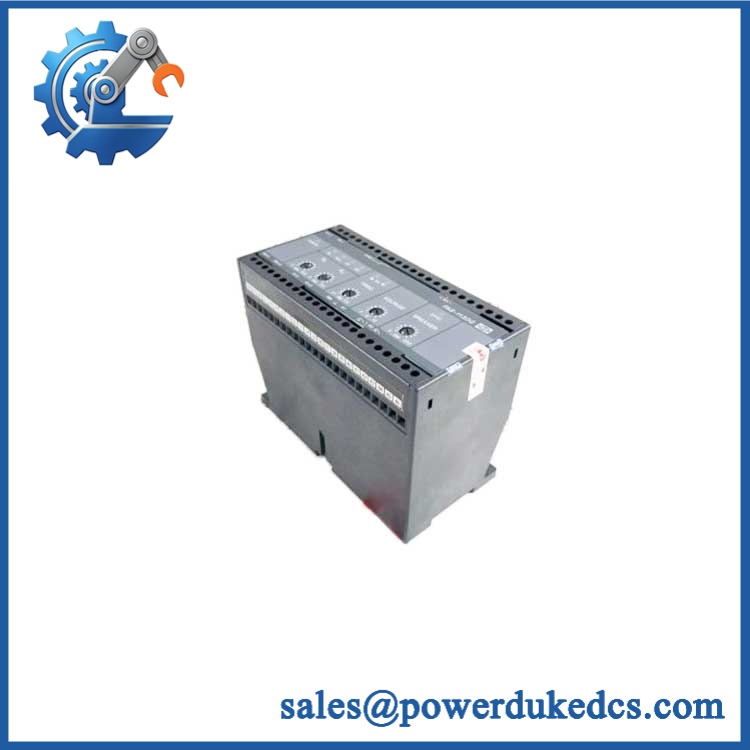
Eaton 286054 FAZ-XHIN11
Do not purchase this item under the ABB brand without verification. The manufacturer identification in the supplied record should be corrected to Eaton.
Quality Inspection & Test SOP
1. Incoming Inspection
- Verify Eaton source documentation and part-number traceability.
- Confirm FAZ-XHIN11 / 286054 marking.
- Inspect the housing for cracks, deformation, corrosion, or unauthorized modification.
- Check the coupling mechanism intended for the FAZ device.
- Inspect terminal screws and terminal openings.
2. Functional Test
Because this is a passive auxiliary switch, the useful test is contact-state verification rather than a PLC live test.
- Install on the specified compatible FAZ device.
- Operate the breaker through the normal switching sequence.
- Verify NO and NC contacts change state correctly.
- Measure continuity with a calibrated multimeter.
- Record the result in the Test Report.
3. Electrical Inspection
- Verify contact continuity.
- Check for unintended shorts between terminals.
- Confirm terminal condition and conductor retention.
- Apply insulation or dielectric tests only according to the applicable Eaton procedure and site standard.
4. Configuration Verification
No firmware is involved.
Record:
- FAZ breaker model
- Accessory position
- NO/NC terminal assignment
- PLC or relay input wiring
- Auxiliary contact logic used by the control system
5. Final QC & Packaging
- QC inspection sign-off.
- Protect the terminals and coupling mechanism from impact.
- Use suitable protective packaging.
- Attach QC Passed label and inspection date.
- Test photographs or continuity records can be supplied as supporting documentation.
Technical Pitfalls to Avoid
1. Wrong Manufacturer Identification
❗ FAZ-XHIN11 is Eaton, not ABB.
This matters for procurement records, COO documentation, technical equivalency, and replacement sourcing.
2. Confusing Auxiliary Contact With Trip Indication
The standard FAZ-XHIN11 is specified as an auxiliary switch that changes state when the FAZ device is operated manually or electrically. Eaton lists separate accessories for trip-indicating functions.
Do not assume every FAZ auxiliary accessory provides the same diagnostic information.
3. NO/NC Wiring Error
The device provides 1 NO + 1 NC.
Before removing the old unit:
- Photograph the wiring.
- Identify each terminal.
- Measure the old contact state where possible.
- Reproduce the intended logic on the replacement.
This is one of those small mistakes that can produce a surprisingly large commissioning problem.
4. Ignoring the Discontinued Status
Eaton currently marks FAZ-XHIN11 as discontinued and points users toward FAZ-XHIN11-SP as the newer version.
For an MRO stock strategy, that means existing original inventory can still be valuable, but procurement should compare the exact electrical and mechanical specifications of the newer part before changing the BOM.
5. Treating a Similar-Looking Accessory as a Drop-In
A generic auxiliary contact may look almost identical.
That is not enough.
Check the FAZ coupling interface, contact arrangement, terminal numbering, and the actual breaker family before installation.



 Start Chat


