

Description
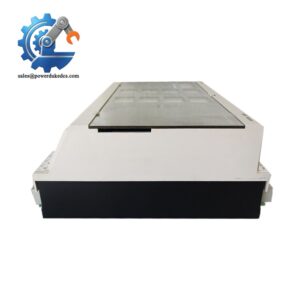
- Kongsberg RCU502 330924 | Industrial Remote I/O Controller
At-A-Glance Executive Brief
- Model: Kongsberg RCU502 330924
- Series: Kongsberg Maritime Remote Control Unit Platform
- Part Type: Remote Control / Control Interface Module
- Core Function: Provides distributed control and signal interface functions within Kongsberg vessel automation and control architectures.
- Key Specifications:
- Designed for marine automation environments.
- Used as part of distributed control networks.
- Supports remote field device communication and monitoring.
- Installed inside dedicated control cabinets or equipment racks.
- Typical Procurement Category: Marine automation spare, shipboard control replacement unit, legacy vessel system component.
Product Introduction
Inside a vessel automation cabinet, the Kongsberg RCU502 330924 operates as part of a distributed control architecture where remote signal processing and communication reliability directly affect system availability. When this type of controller fails, symptoms often appear as lost field communication, unavailable monitoring points, or alarms from connected automation subsystems. In field deployments, engineers normally inspect power supply quality, network connections, and cabinet conditions together before replacing the controller (salt atmosphere and vibration accelerate hardware aging).
The RCU502 belongs to Kongsberg’s marine control hardware ecosystem and is typically integrated into shipboard automation systems requiring dependable remote control functions. Replacement planning requires more than matching the part number; engineers should confirm software compatibility, cabinet configuration, communication protocol, and installed firmware revision before returning the vessel to service.
Core Technical Specifications
| Parameter | Value |
|---|---|
| Manufacturer | Kongsberg |
| Model Number | RCU502 330924 |
| Product Type | Remote Control Unit |
| Application | Marine automation and distributed control |
| System Category | Kongsberg Maritime control equipment |
| Installation | Control cabinet / equipment rack |
| Communication | System-dependent network interface |
| Power Supply | System DC supply (verify installed configuration) |
| Signal Interface | Configuration dependent |
| Operating Environment | Marine industrial environment |
| Cooling Method | Cabinet airflow |
| Mounting Method | Rack or panel installation |
| Configuration Storage | Application dependent |
| Weight | Verify exact hardware revision |
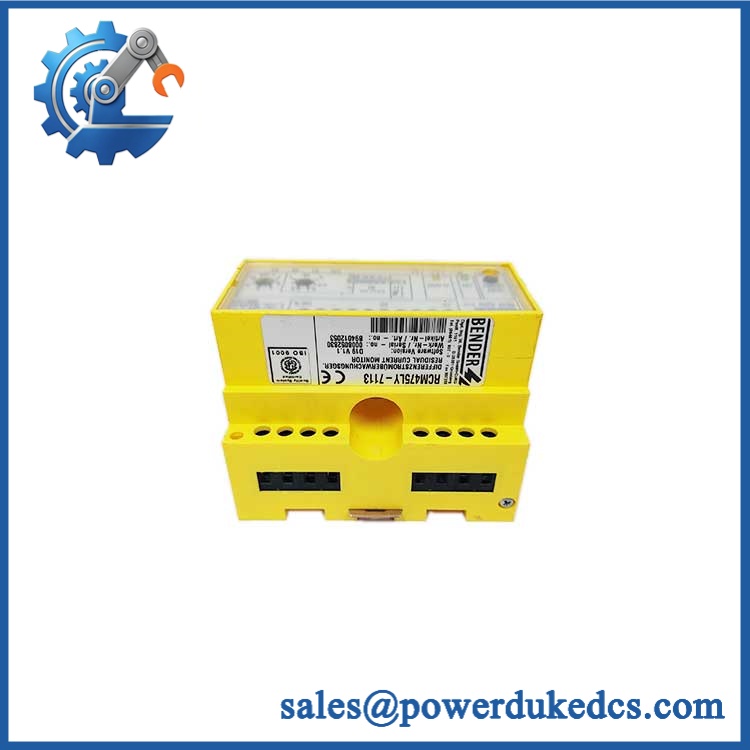
Kongsberg RCU502 330924
Application Scenarios & Pain Points
During vessel maintenance periods, a failed RCU502 can interrupt remote monitoring functions, leaving operators without visibility of connected equipment status.
For offshore support vessels, this unit may operate in environments with constant vibration, temperature variation, and humidity exposure, making connector inspection a routine reliability task.
In engine room automation systems, the controller supports distributed signals where communication loss can delay fault diagnosis and increase troubleshooting time.
Compared with a complete automation replacement, using a verified spare allows operators to maintain existing Kongsberg system architecture and approved vessel documentation.
At shipyards handling legacy vessels, maintaining stocked control modules reduces downtime during scheduled dry-dock maintenance windows.
Common Error Codes & Diagnostic Symptoms
Symptom/Code: Remote I/O communication loss alarm
→ Diagnosis: Possible controller communication failure, network interruption, or internal hardware fault.
→ Action: Check network status and power supply, then replace if the module remains offline.
Symptom/Code: Module power LED inactive / no startup indication
→ Diagnosis: Possible DC supply issue, internal power circuit failure, or damaged connector interface.
→ Action: Verify cabinet voltage and replace the control unit if supply conditions are normal.
Symptom/Code: Intermittent field signal dropout
→ Diagnosis: Possible aging electronics, connector oxidation, or communication instability.
→ Action: Inspect connections and replace the module if repeated faults continue.
Cross-Reference & Lifecycle Migration
- Compatible Platform: Kongsberg Maritime automation and control systems.
- Replacement Requirement: Confirm exact hardware revision, firmware version, communication configuration, and cabinet wiring before substitution.
- Firmware Consideration: Firmware and application configuration may require verification after replacement. Matching hardware alone does not guarantee system compatibility.
- Direct Replacement Status: Must be confirmed against the installed vessel automation documentation.
- Lifecycle Status: Legacy / Controlled Spare.
- Maintain warehouse stock for vessels still operating the corresponding Kongsberg control architecture.
- Record serial numbers and configuration data before installation.
Field Engineer’s Tech Notes (Anti-Pitfall Guide)
- Do not replace the unit without recording the original configuration.
Vessel automation systems often contain customized parameters, communication settings, and I/O mappings that are not visible from the hardware label alone. - Inspect connectors carefully before commissioning.
Marine environments can introduce corrosion on contacts and terminals (especially in engine rooms with elevated humidity and salt contamination). - Avoid handling the PCB without ESD protection.
Internal electronic components may be damaged by static discharge even when no visible mark appears.
Strict QA & Testing SOP
Step 1 — Incoming Inspection
- Verify Kongsberg label and part number.
- Record serial number and hardware revision.
- Inspect housing, connectors, and mounting points.
- Photograph received condition.
Step 2 — Electrical Verification
- Check power input characteristics.
- Inspect connector continuity.
- Verify no visible PCB contamination or corrosion.
Step 3 — Functional Testing
- Install into a compatible test environment.
- Confirm startup sequence.
- Verify communication response.
- Check diagnostic indicators.
Step 4 — Configuration Review
- Compare firmware information.
- Confirm system compatibility.
- Validate communication parameters.
Step 5 — Packaging
- Place unit inside anti-static protection.
- Add shock protection for transportation.
- Include inspection documentation.
Test videos are available for verification procedures when required.
Buyer’s FAQ (Dynamic Q&A)
Q: Can the Kongsberg 330924 be replaced while the vessel system is running?
A: Do not assume hot replacement is supported. Follow the vessel automation maintenance procedure and isolate power before removal unless official documentation confirms otherwise.
Q: How can I confirm this is a genuine OEM Kongsberg unit?
A: Verify the model label, part number 330924, serial information, packaging records, and supplier inspection documentation. New Original and tested surplus units should have traceable identification.
Q: Will the replacement include the vessel’s existing software configuration?
A: Not necessarily. Hardware replacement may require loading or confirming application parameters, firmware versions, and communication settings.
Q: What warranty information should be requested before purchase?
A: Request supplier warranty terms, functional test records, inspection photos, and confirmation of storage conditions before accepting the spare.
Procurement Note: The Kongsberg 330924 should be stored as a controlled marine automation spare. Maintain it with vessel drawings, software records, and configuration notes to reduce troubleshooting time during offshore or shipyard maintenance activities.



 Start Chat


