

Description
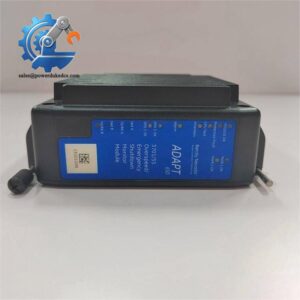
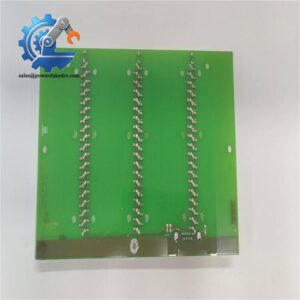
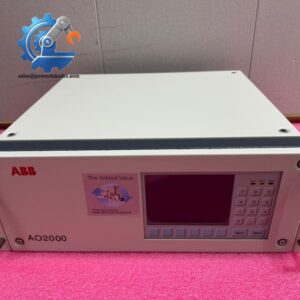
- ABB 500MBA01 | Genuine PLC Backplane Interface Unit
Unboxing & Physical Snapshot
- Model & Brand: ABB 500MBA01 System Bus Adapter Module for the ABB AC500/S500 PLC distributed I/O platform.
- Approximate Physical Dimensions (W × H × D): 45 × 100 × 120 mm (1.8 × 3.9 × 4.7 in.)
- Estimated Shipping Weight: Approximately 0.25 kg (0.55 lb) including export-grade protective packaging.
- What’s in the Box:
- ABB 500MBA01 communication/interface module
- Anti-static (ESD) shielding bag
- Protective foam packaging
- Product identification label
- Installation guide (when supplied by distributor)
- Terminal accessories if ordered separately
Product Introduction
The ABB 500MBA01 occupies a dedicated position within the AC500/S500 PLC cabinet architecture, providing the physical interface required for communication between the controller and associated expansion I/O assemblies. Rather than performing process logic, this hardware establishes the electrical connection that allows the backplane network to operate correctly (a loose connector here can interrupt an entire I/O segment).
Before installation, examine the retaining clips, edge connector plating, and housing for signs of handling damage. The module should slide into position without excessive insertion force. If resistance is encountered, inspect the backplane alignment instead of forcing the assembly into place. Small connector defects frequently produce intermittent communication alarms that resemble software faults.
Core Technical Specifications
| Parameter | Value |
|---|---|
| Manufacturer | ABB |
| Model Number | 500MBA01 |
| Product Type | System Bus Adapter / Communication Interface Module |
| Platform | ABB AC500 / S500 PLC System |
| Primary Function | PLC Backplane Communication |
| Mounting Method | DIN rail system with backplane connection |
| Interface | Proprietary AC500 system bus |
| Status Indication | Integrated LED diagnostics |
| Operating Supply | Provided through system backplane |
| Power Consumption | Low-power interface electronics |
| Cooling Method | Natural convection |
| Protection Rating | IP20 (cabinet installation) |
| Operating Temperature | Approximately -25°C to +70°C |
| Storage Temperature | Approximately -40°C to +85°C |
| Relative Humidity | 5–95% RH, non-condensing |
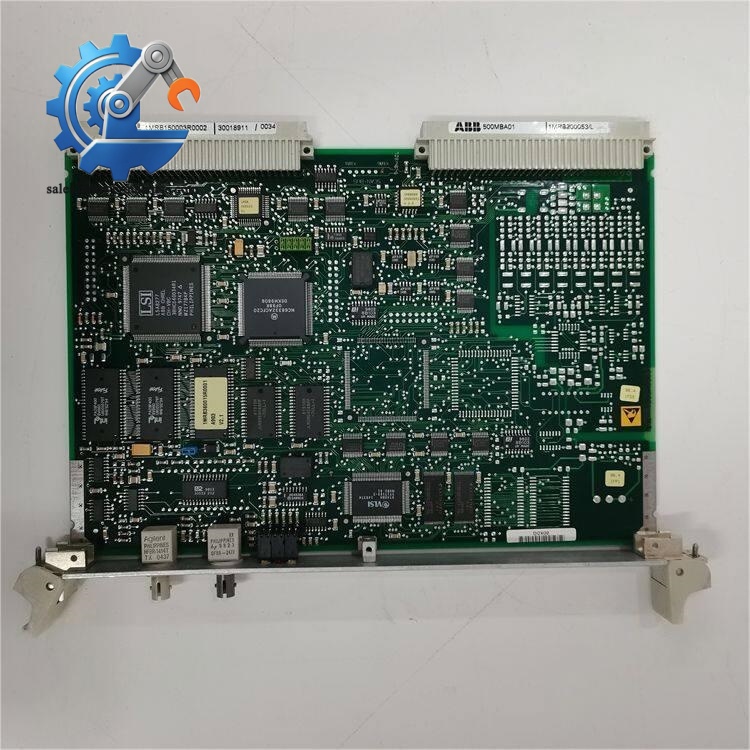
ABB 500MBA01
Global Compliance & Industry Certifications
Expected certifications for this class of industrial automation hardware include:
- CE Mark
- UL/cUL Listed or Recognized (depending on system configuration)
- IEC 61131 compliance for programmable controller systems
- IEC 61000 EMC compliance
- RoHS compliance (manufacturing revision dependent)
- ATEX/IECEx suitability only when installed inside an approved hazardous-area control system
- Marine certifications such as DNV GL only on qualified project-specific assemblies
UL certification is particularly important because it confirms the module has been evaluated for safe installation within industrial control panels. That evaluation assumes proper enclosure selection, grounding practices, and conductor sizing.
Verify specific lot certifications with OEM.
Long-Term Storage & Asset Preservation Guide
Store the module inside its original anti-static (ESD) shielding bag until commissioning. The gold-plated backplane contacts should never be exposed to unnecessary handling because skin oils accelerate contact contamination.
Maintain warehouse humidity below 60% RH. Avoid rapid temperature swings that may create condensation inside the connector housing (even when the enclosure appears dry externally).
Inspect the date code, serial number, and hardware revision before issuing the spare. Document every warehouse movement. Good traceability prevents compatibility issues when multiple hardware revisions exist within the same PLC installation.
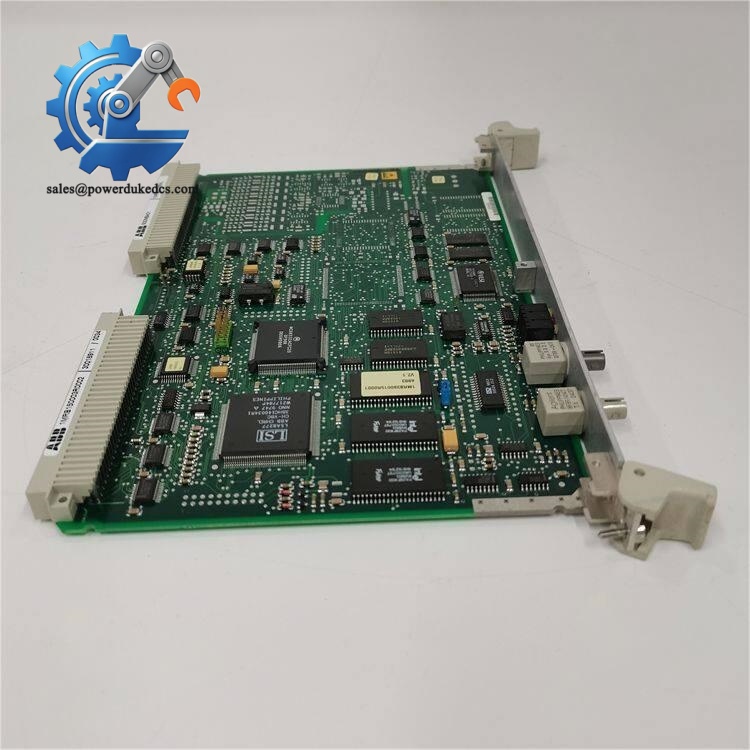
ABB 500MBA01
Physical Installation Prerequisites
- Install only within a compatible ABB AC500/S500 PLC system.
- Verify the backplane connector is free from contamination before insertion.
- Leave at least 50 mm (2 in.) of clearance above and below the module to support cabinet airflow.
- Ensure the DIN rail is electrically bonded to the control cabinet grounding system.
- Keep communication wiring separated from high-voltage motor cables.
- Tighten all field terminals to the torque specified by ABB documentation.
- Wear an ESD wrist strap while handling the module.
Buyer’s FAQ (Logistics & Compliance Focus)
Q: Which HS Tariff Code is typically used for the ABB 500MBA01?
A: PLC communication and interface modules are commonly classified under HS 8537 for industrial control equipment. The final tariff classification should always be confirmed with the customs broker because national interpretations can differ.
Q: Why should I verify the Country of Origin before importing?
A: Country of Origin affects customs duties, procurement compliance, free-trade agreement eligibility, and asset documentation. Always compare the module nameplate with the commercial invoice before accepting delivery.
Q: Is cargo insurance worthwhile for this module?
A: Yes. Although compact, the module contains precision electronic assemblies and plated communication connectors. Insurance protects against transit damage that may not be visible until commissioning.
Q: Does the 500MBA01 ship with the latest firmware already installed?
A: The 500MBA01 functions primarily as a communication/interface module rather than an application processor. Firmware, if applicable, depends on the manufacturing revision and the associated AC500 controller architecture. Verify hardware revision compatibility and available firmware updates before installation.



 Start Chat


