

Description
Module 2: The 10-Second Procurement Snapshot
- Brand: ABB Bailey
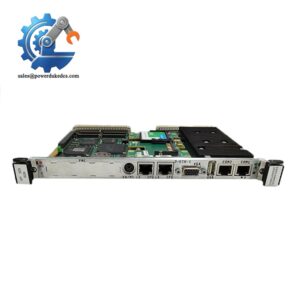
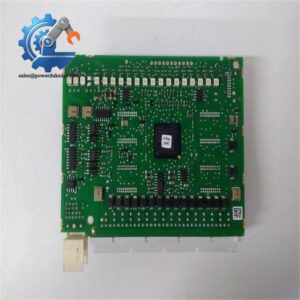
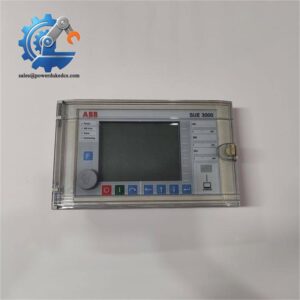
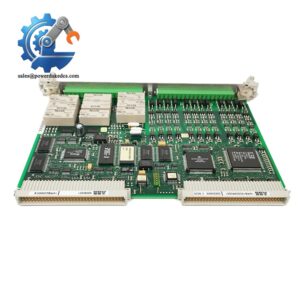
- Full Model Number: INSEM01
- Lifecycle Status: Legacy / mature INFI 90 component
- Core Function: Sequence-of-events monitoring and event capture
- Top 3 Technical Specs: INFI 90 architecture; event monitoring; digital event recording
- Stock & Condition: New Surplus / Tested Refurbished; physical stock confirmed before shipment
Module 3: Supply Chain & Technical Deep Dive
When an older INFI 90 installation needs an exact event-monitoring spare, the problem is rarely the board’s size. It is finding the correct legacy hardware before a small failure becomes a prolonged controls outage. ABB Bailey INSEM01 belongs to the INFI 90 module family and is associated with sequence-of-events monitoring, where the timing and order of digital events can be important for process analysis and fault investigation.
From a maintenance-budget perspective, this is a classic low-consumption, high-impact spare. It may sit on the shelf for years, yet its absence can delay restoration when the installed system depends on the exact module. The sensible approach is buffer stock based on installed-base criticality, not routine replenishment. Exact electrical ratings, channel count, event-resolution specifications, and firmware details should be confirmed against the applicable ABB/Bailey manual and the site’s existing configuration before purchase.
Module 4: Migration, Compatibility & Field Traps
Replacement Matrix
| Approval Item | Assessment |
|---|---|
| Replacement Type | Direct replacement candidate for an existing INSEM01 |
| Exact Part Match | INSEM01 |
| System Family | ABB Bailey INFI 90 |
| Software Compatibility | Verify installed INFI 90 configuration |
| Firmware Requirement | Confirm revision before commissioning |
| Hardware Modification | Normally not required for an exact replacement |
| Engineering Approval | Required before returning the system to service |
⚠️ Field Trap 1 — Event Configuration
Sequence-of-events hardware is configuration-sensitive. Before removing the old module, record the existing channel assignments, signal mapping, and system configuration.
A replacement that powers up is not necessarily a replacement that records the required events correctly.
⚠️ Field Trap 2 — Terminal Wiring
Do not transfer wires based only on physical position.
Before removal:
- Photograph every terminal block.
- Record each wire number.
- Record the associated channel.
- Compare the wiring diagram with the replacement hardware.
- Check signal polarity before energizing.
⚠️ Field Trap 3 — Timing Data
If the module participates in event sequence analysis, verify the system time reference and event-recording configuration after replacement. Incorrect time synchronization can make otherwise valid event data difficult to interpret.
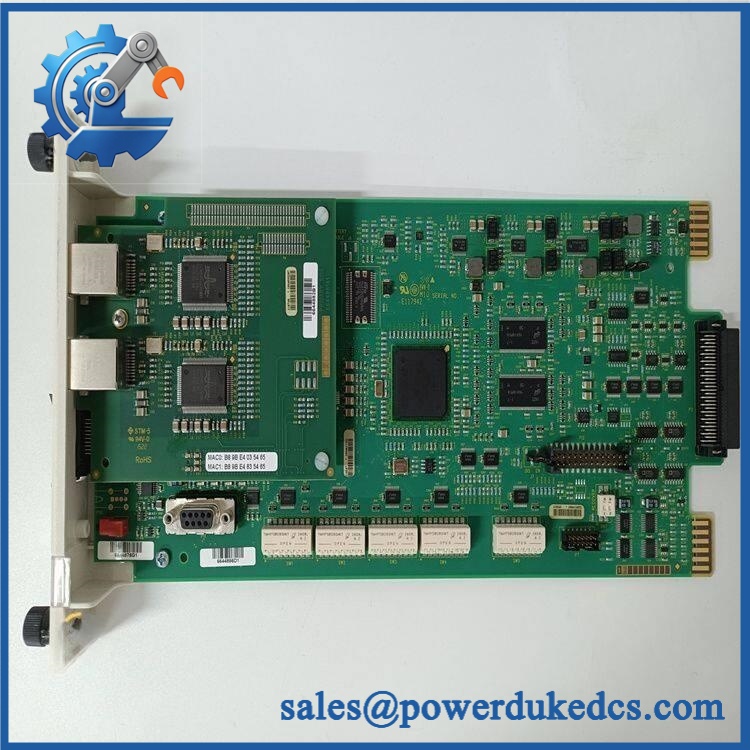
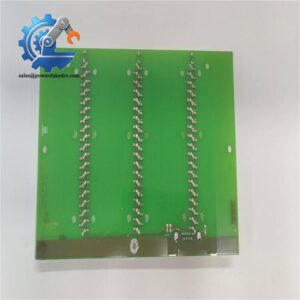
ABB INSEM01
Module 5: Quality Assurance & Testing SOP
A sequence-event module should be tested as an electronic system component, not just checked for cosmetic condition.
1. OEM Identification Inspection
- Verify ABB Bailey identification.
- Confirm INSEM01 marking.
- Record serial number and hardware revision.
- Inspect the PCB and edge connectors.
- Check for corrosion, oxidation, cracked components, and repair traces.
- Compare the board with an approved reference unit.
- Photograph the nameplate and PCB identification.
2. Power-On Self-Test
Using a compatible INFI 90 test environment:
- Apply the specified system power.
- Observe startup behavior.
- Check status LEDs.
- Review diagnostic indications.
- Monitor abnormal current consumption.
- Observe temperature during operation.
3. Input and Event Test
Where a compatible test rack is available:
- Apply controlled digital input transitions.
- Verify channel recognition.
- Confirm event detection.
- Check event sequence.
- Verify the recorded event information.
- Repeat selected channels to identify intermittent inputs.
4. Extended Functional Test
Run the module under a controlled configuration.
Record:
- Module status
- Input response
- Event detection
- Communication status
- Diagnostic information
- Operating temperature
- Test duration
Generate a Test Report for the tested serial number.
5. Final QC
- Part number recorded
- Serial number recorded
- Hardware revision recorded
- Power-up test completed
- Event-input test completed
- Diagnostic test completed
- QC report archived
- ESD bag sealed
- Protective packaging installed
- QC label applied
Module 6: Procurement-Driven FAQ
1. Is ABB INSEM01 available for immediate shipment?
Physical stock should be confirmed against the actual unit before a delivery promise is made. For an emergency INFI 90 requirement, confirm quantity, condition, test status, and carrier cutoff before ordering.
2. How do you verify an surplus unit?
The inspection should cover the OEM identification, serial number, PCB condition, connectors, power-up behavior, diagnostics, and event-input response. A compatible test environment provides much stronger evidence than a visual inspection alone.
Request photographs and the test report for the actual supplied unit.
3. Can I directly replace my existing ?
Usually, an exact part-number replacement is the preferred approach. However, verify the installed INFI 90 configuration, hardware revision, wiring, channel assignments, and event-recording settings before commissioning.
4. Will firmware differences affect replacement?
They can. Legacy INFI 90 hardware should be checked against the installed system revision before installation. Record the existing revision and configuration first rather than assuming every unit with the same basic model marking has identical firmware.
5. How should I store an as a critical spare?
Keep it in ESD-protective packaging in a clean, dry, temperature-controlled storage area. Record the serial number and test date in the spare-parts database. For a production-critical INFI 90 installation, one tested buffer unit is usually a more sensible stocking level than multiple slow-moving boards.



 Start Chat


