

Description
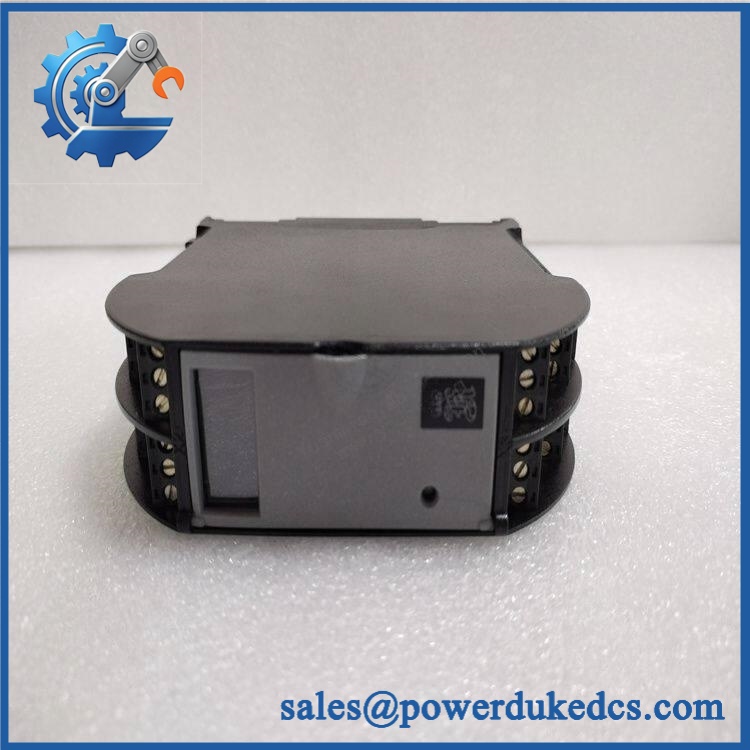
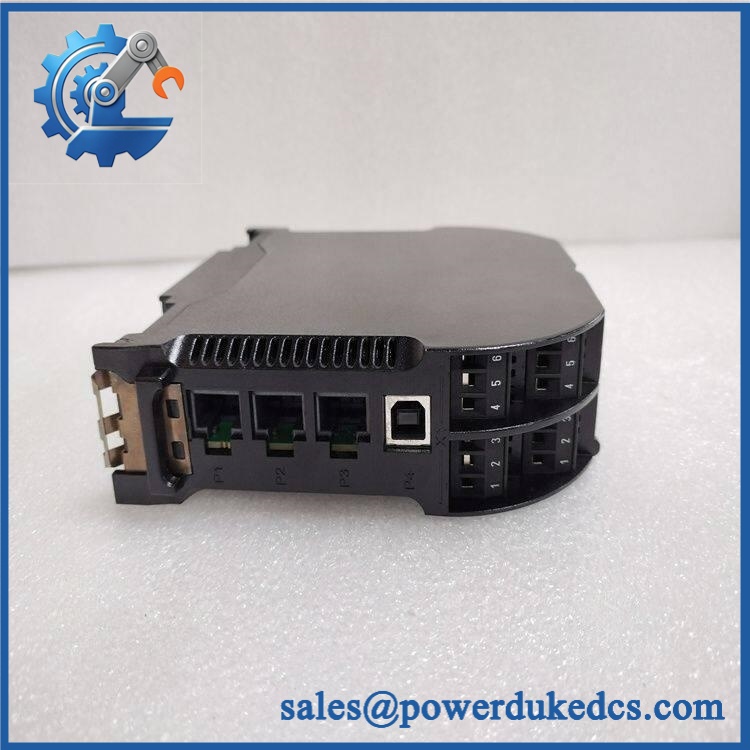
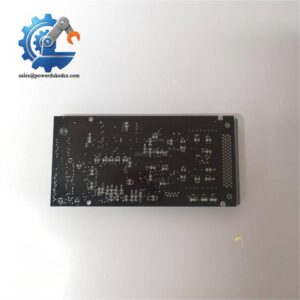
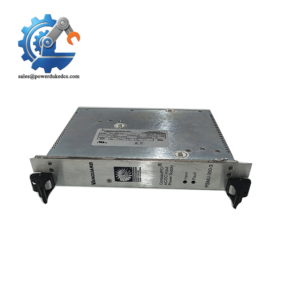
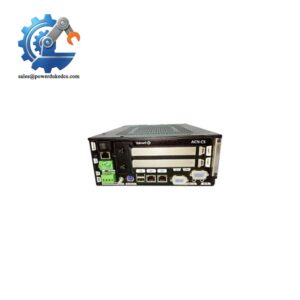
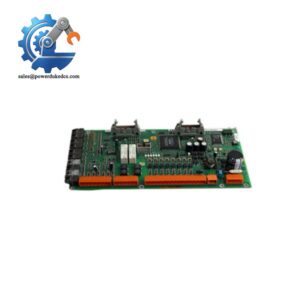
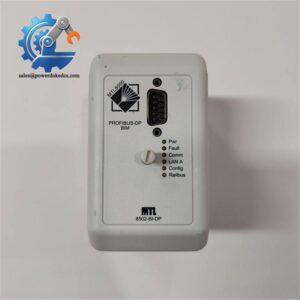
- KONGSBERG RMP420 | New Surplus Marine Automation Module
2. At-A-Glance Executive Brief
- Model: KONGSBERG RMP420
- Brand: KONGSBERG Maritime
- Series: RMP (Remote Module Platform)
- Part Type: Remote Processing / Remote I/O Module
- Core Function: Provides distributed signal acquisition and processing between vessel field equipment and the main automation control network.
- Primary Use: Shipboard automation systems, machinery monitoring, alarm handling, and remote cabinet installations.
- Key Specifications:
- Designed for marine automation environments
- Distributed architecture support
- Cabinet-mounted industrial electronics
- Integrated communication interface for KONGSBERG control systems
- Typical Deployment: Engine control rooms, machinery spaces, auxiliary equipment monitoring panels, and offshore automation cabinets.
3. Product Introduction
Within a KONGSBERG vessel automation architecture, the RMP420 is installed as a remote processing node that collects field signals and transfers processed information to higher-level control stations. Positioning intelligence closer to machinery reduces wiring complexity and improves cabinet organization (especially important during vessel construction projects and long-service retrofit programs).
In field deployments, engineers usually replace this type of module during scheduled maintenance windows because configuration compatibility matters as much as the physical hardware. Confirm the system software version, node address, connected field modules, and cabinet documentation before installation. A replacement unit may require engineering configuration transfer before normal operation.
4. Core Technical Specifications
| Parameter | Value |
|---|---|
| Manufacturer | KONGSBERG |
| Model Number | RMP420 |
| Product Type | Remote Processing Module |
| Application | Marine Automation and Control Systems |
| System Platform | KONGSBERG Integrated Automation Systems |
| Installation Method | Control cabinet / rack mounting |
| Communication | System-dependent industrial communication network |
| Function | Distributed field signal processing |
| Power Supply | Marine industrial DC supply |
| Configuration | Engineering workstation configuration |
| Cooling Method | Natural cabinet airflow |
| Operating Environment | Marine industrial environment |
| Enclosure Type | Industrial electronic module |
| Weight | Approx. 1–2 kg (configuration dependent) |
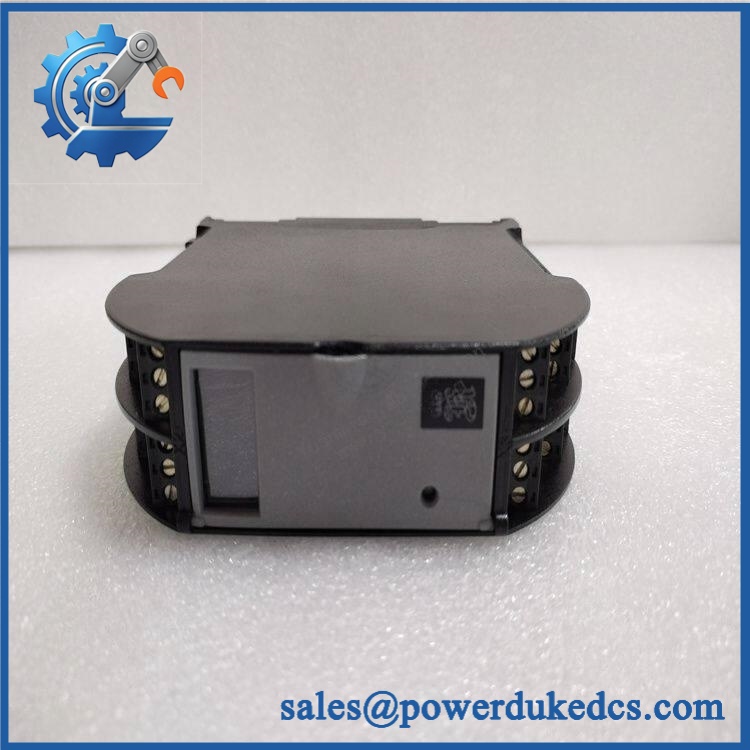
KONGSBERG RMP420
5. Application Scenarios & Pain Points
A failed remote processing module can leave operators with incomplete machinery information even when the main control station remains online.
- On merchant vessels: The RMP420 can be used in distributed automation cabinets handling auxiliary machinery signals, where vibration and continuous operation create long-term electronic stress.
- During offshore maintenance campaigns: Remote modules help maintain distributed control layouts where equipment locations may be separated by significant cable distances.
- For ship modernization projects: Engineers often use replacement RMP hardware during legacy automation migration to preserve existing field instrumentation.
- In engine monitoring applications: The module supports data collection from pumps, valves, and auxiliary systems operating in environments above 45°C cabinet temperatures.
- At commissioning stages: Correct node addressing and configuration verification are essential before sea trials and acceptance testing.
6. Common Error Codes & Diagnostic Symptoms
Symptom/Code: Remote Module Offline / Communication Timeout
→ Diagnosis: Possible network communication loss, incorrect node configuration, damaged interface connection, or internal communication hardware failure.
→ Action: Verify network parameters and replace the RMP420 if hardware failure is confirmed.
Symptom/Code: Input Data Missing / Incorrect Field Values
→ Diagnosis: Internal processing failure, field wiring issue, or configuration mismatch may prevent correct signal handling.
→ Action: Test field circuits and replace the module if the internal channels fail.
Symptom/Code: Power Indicator Not Active
→ Diagnosis: Internal power section failure or unstable cabinet DC supply prevents module initialization.
→ Action: Verify supply voltage and replace the module.
7. Cross-Reference & Lifecycle Migration
- Compatibility: Replacement must be confirmed against the installed KONGSBERG automation platform, software database, and cabinet configuration.
- Revision Matching: Different RMP hardware generations may have similar external appearance but require different configuration files.
- Firmware / Configuration: Engineering download or parameter restoration may be required after installation.
- Lifecycle Status: Generally treated as a legacy marine automation spare requiring planned inventory management.
- Stock Strategy: Vessels operating older KONGSBERG systems should maintain tested spare units to reduce repair delays during port maintenance periods.
8. Field Engineer’s Tech Notes (Anti-Pitfall Guide)
- Do not remove the module before recording the configuration data.
A replacement RMP420 may power up correctly but fail communication if the original node settings are not transferred. - Inspect the connector area carefully before installation.
Salt atmosphere exposure can create oxidation on contacts (a small amount of contamination may cause intermittent communication faults that are difficult to reproduce).
9. Strict QA & Testing SOP
Step 1 — Visual Receiving Inspection
- Confirm KONGSBERG RMP420 model identification.
- Record serial number and hardware revision.
- Inspect housing, connectors, mounting points, and labels.
Step 2 — Electrical Testing
- Verify DC input behavior.
- Check startup sequence and indicator status.
- Measure operating current during test operation.
Step 3 — Communication Verification
- Connect to a compatible KONGSBERG automation test environment.
- Confirm network communication.
- Verify module recognition.
Step 4 — Functional Testing
- Simulate connected signals where applicable.
- Confirm stable data exchange.
- Monitor operation over an extended test period.
Step 5 — Packaging Control
- Place the module inside ESD protective packaging.
- Add shock-resistant transport materials.
- Attach inspection records.
Test videos are available for verified inspection documentation.
10. Buyer’s FAQ (Dynamic Q&A)
Q: Can the KONGSBERG RMP420 be replaced without shutting down the automation system?
A: It depends on the specific KONGSBERG control architecture. Some systems support controlled replacement procedures, while others require a planned shutdown to avoid communication interruptions.
Q: How can I verify this is an original KONGSBERG RMP420?
A: Confirm the OEM identification label, serial number, hardware revision, connector condition, and supplier testing documentation before acceptance.
Q: Does the RMP420 require software configuration after replacement?
A: Usually, yes. The physical module may require system parameters, node settings, or engineering database information to match the existing vessel automation configuration.
Q: What warranty information should be requested from the supplier?
A: Confirm whether the warranty covers functional testing, replacement support, and transportation damage. For marine automation spares, documented testing records are an important purchasing requirement.



 Start Chat


