

Description
Module 2: The 10-Second Procurement Snapshot
- Brand: ABB
- Full Model Number: SPBRC400
- Product Family: AC 800M / Control and I/O Platform
- Lifecycle Status: Legacy / availability dependent
- Core Function: Industrial process control and communication
- Product Type: Controller / Processor Module
- Top 3 Technical Specs: AC 800M platform; redundant-control application; Control Network communication
- System Compatibility: Verify against installed AC 800M hardware and Control Builder configuration
- Stock & Condition: New Surplus / Tested Refurbished; confirm actual inventory
Module 3: Supply Chain & Technical Deep Dive
A controller failure is one of the few spare-parts events that can turn a routine maintenance job into a production emergency. SPBRC400 is associated with ABB’s AC 800M control architecture, where controller hardware works with the I/O system, Control Network, and application software. For a replacement order, the complete system configuration matters more than the cabinet label alone.
From a TCO perspective, holding a tested controller spare can be sensible when an installed AC 800M system supports a critical production process. The real saving comes from avoiding extended engineering and commissioning work during a failure. Exact processor specifications, memory capacity, communication interfaces, supply requirements, and supported firmware should be verified against the ABB documentation for the specific SPBRC400 hardware revision rather than estimated from the model name.
Module 4: Migration, Compatibility & Field Traps
Replacement Matrix
| Replacement Scenario | Assessment | Required Action |
|---|---|---|
| Same SPBRC400 hardware and revision | Drop-in Replacement Candidate | Match hardware and system configuration |
| Same controller with different firmware | Software Compatibility Check | Verify Control Builder and firmware requirements |
| Different AC 800M controller | Not Automatically Compatible | Check application, hardware, and firmware |
| Controller-generation upgrade | Migration Required | Engineering review and application conversion may be needed |
⚠️ Field Traps: Watch Out
Firmware mismatch: Record the existing controller firmware before shutdown. A replacement with a different firmware generation may require application or configuration changes.
Control Builder version: Check the engineering workstation version before installation. Controller hardware and Control Builder compatibility must be confirmed together.
Application backup: Export and verify the current control application before removing the failed controller. Keep a second copy on independent storage.
Network addressing: Record the controller’s network settings and connected communication paths. A physically correct replacement can still fail to communicate if addressing or configuration differs.
Redundancy configuration: If the system uses redundant controllers, document which unit is Primary and which is Backup before removing hardware.
ESD: Wear an antistatic wrist strap and handle the controller only by its approved surfaces.
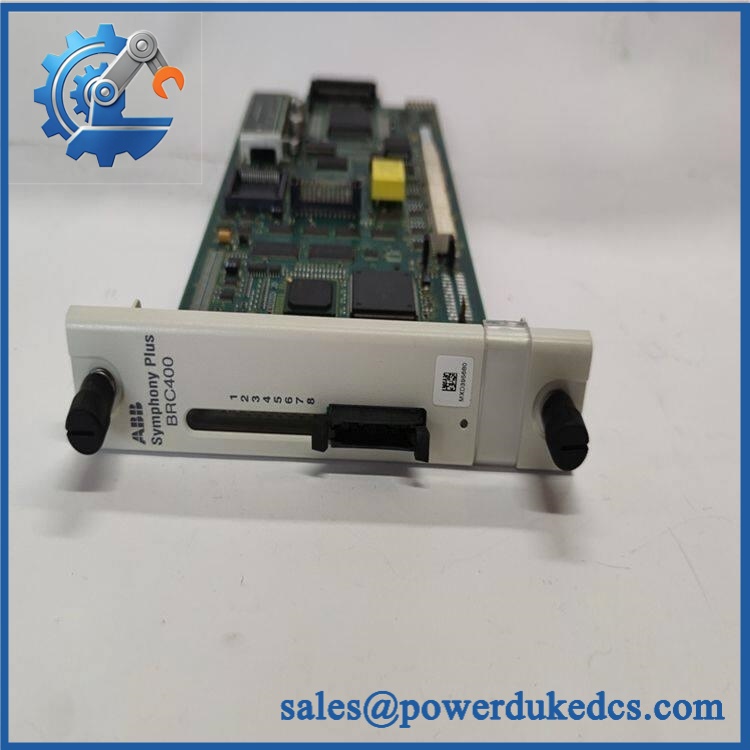
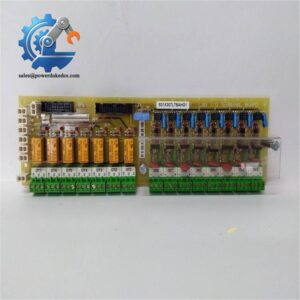
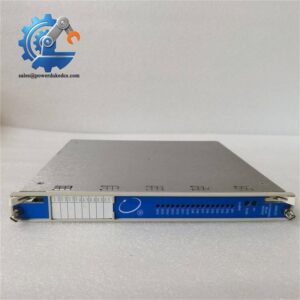
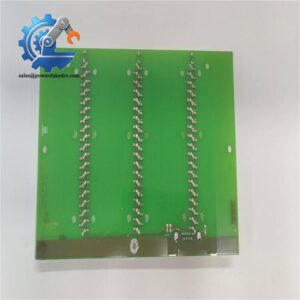
ABB SPBRC400
Module 5: Quality Assurance & Testing SOP
1. Incoming Inspection
- Verify ABB identification.
- Confirm SPBRC400 marking.
- Record serial number and hardware revision.
- Inspect the enclosure and connectors.
- Check for corrosion, cracks, or impact damage.
- Inspect connector contacts.
- Photograph the nameplate.
2. OEM Authenticity Inspection
- Check ABB labels and markings.
- Compare housing and connector arrangement with an approved reference.
- Verify PCB revision information where accessible.
- Inspect for previous repair evidence.
- Record available traceability information.
- Document any identification discrepancy.
3. Power-On Self-Test
Using a compatible ABB AC 800M test environment:
- Apply the manufacturer’s specified supply.
- Power up the controller.
- Observe startup behavior.
- Check RUN / fault / diagnostic indications.
- Confirm controller initialization.
- Record diagnostic information.
4. Controller & Network Testing
Where the appropriate engineering environment is available:
- Detect the controller from the engineering workstation.
- Verify controller identity.
- Confirm firmware revision.
- Check Control Network communication.
- Load a controlled test application where permitted.
- Verify controller status.
- Test communication with representative I/O hardware.
5. Extended Run Test
A controlled test should include:
- Continuous controller operation.
- Network communication monitoring.
- Diagnostic-event monitoring.
- Temperature observation.
- Application execution.
- Restart verification where appropriate.
The Test Report should record the model, serial number, hardware revision, firmware revision, test equipment, application version, test duration, and results.
6. Final QC & Packaging
- QC inspection completed.
- ESD-safe bag sealed.
- Connector protection applied.
- Shock protection added.
- QC label attached.
- Test documentation retained with the inventory record.
Test photographs or video can be supplied when available.
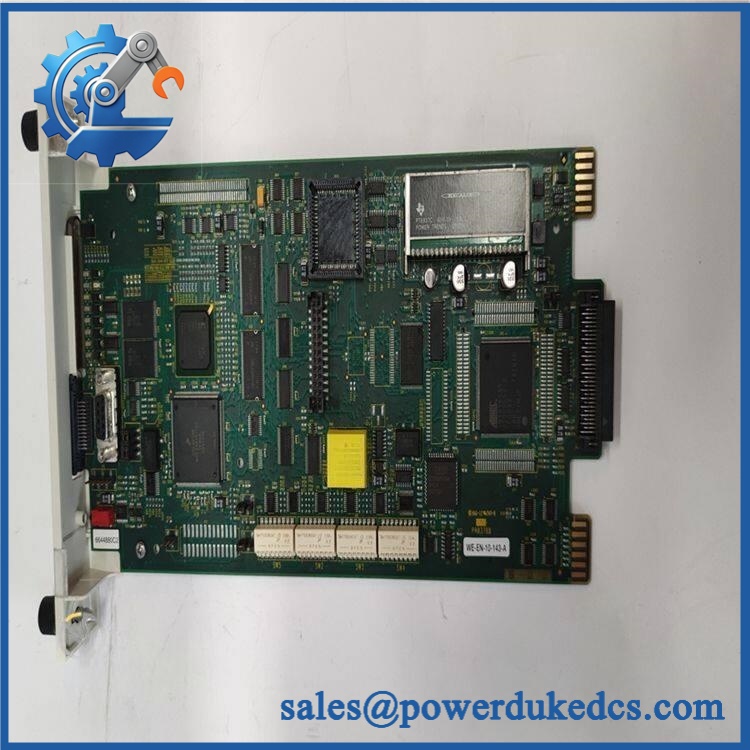
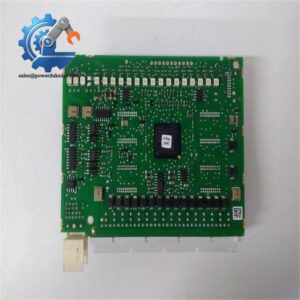
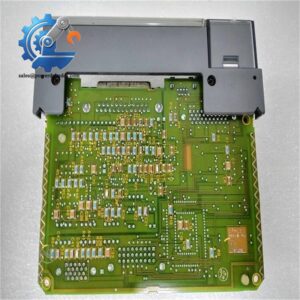
ABB SPBRC400
Module 6: Procurement-Driven FAQ
1. Is ABB SPBRC400 physically in stock, and can it ship immediately?
Physical inventory should be checked against the actual warehouse unit. For an urgent controller replacement, confirm the exact part number, hardware revision, condition, firmware, test status, quantity, and dispatch cutoff before releasing the PO.
2. How do you verify a surplus ?
The unit should pass visual and identification inspection, connector checks, and power-up testing. Where a compatible AC 800M test environment is available, controller initialization, network communication, and application behavior should also be verified.
3. What warranty should I request?
Request written warranty terms before purchase. They should state the warranty period, defective-unit evidence requirements, return process, and replacement or refund conditions.
4. Could firmware differences cause problems during replacement?
Yes. Record the installed firmware and Control Builder version before replacement. Confirm that the spare’s firmware is supported by the existing application and controller configuration.
5. Can another AC 800M controller replace directly?
Not without verification. Controller families can differ in processor capability, firmware support, I/O configuration, and redundancy functions. Treat a different model as a compatibility project unless ABB documentation confirms direct substitution.




 Start Chat


