

Description
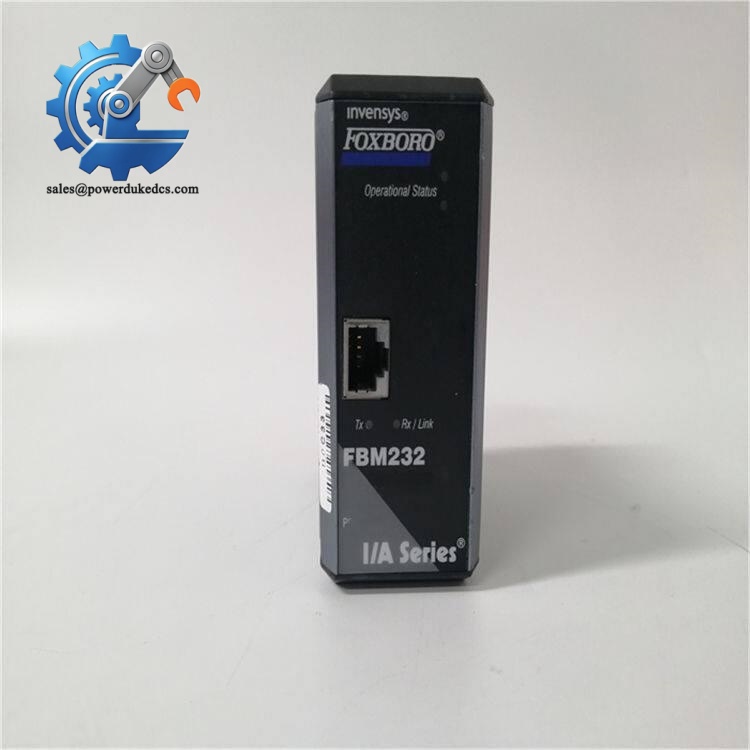
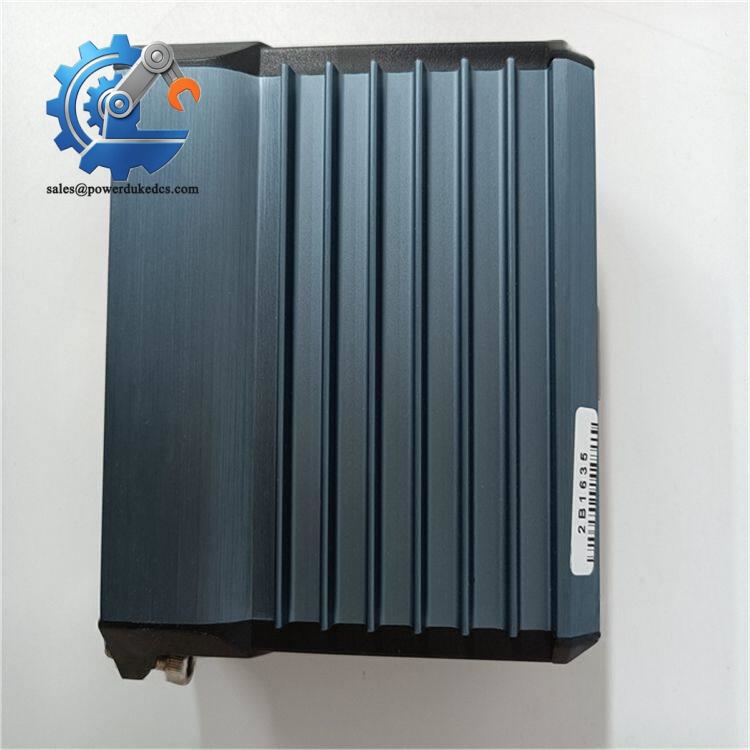
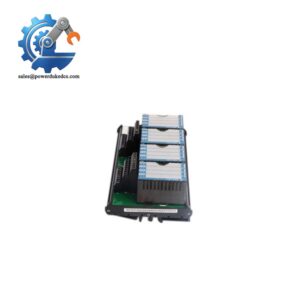
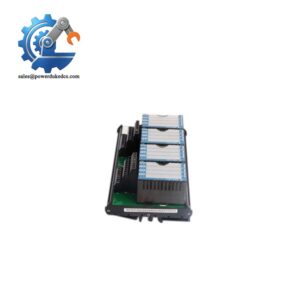
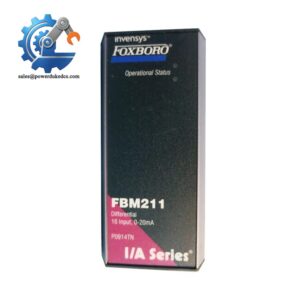
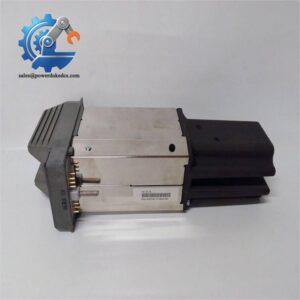
- Foxboro FBM232 P0926GW | Original Foxboro DCS Interface
2. Unboxing & Physical Snapshot
- Model & Brand: Foxboro FBM232 P0926GW (Schneider Electric / Foxboro I/A Series)
- Product Type: Field Device System Integrator (FDSI) Ethernet Communication Module for Foxboro I/A Series and Foxboro DCS platforms. The module provides Ethernet communication between field devices and the DCS system.
- Approximate Physical Dimensions (W × H × D):
- Module body: approximately 45 × 102 × 104 mm
- Including mounting lugs: approximately 45 × 114 × 104 mm
- Estimated Shipping Weight:
- Module weight: approximately 284 g
- Typical packaged shipping weight: 0.6–1.0 kg
- What’s in the Box:
- Foxboro FBM232 P0926GW Ethernet Communication Module
- Dual 48-pin backplane connectors
- RJ-45 Ethernet interface
- LED status indicators
- Modular baseplate accessories when supplied
- Anti-static (ESD) shielding bag
- Protective packaging
3. Product Introduction
The Foxboro FBM232 P0926GW mounts on a modular baseplate within the Foxboro DCS architecture, acting as a Field Device System Integrator between Ethernet-based field equipment and the control system network. It supports 10/100 Mbps Ethernet communication and exchanges data through TCP/IP or UDP/IP protocols, allowing integration of external devices into the Foxboro control environment (—which is critical in plants maintaining mixed-generation instrumentation networks).
This communication module requires strict configuration control. Verify the installed driver, Ethernet addressing, field device protocol, and DCS database mapping before replacement. Check the RJ-45 port. Check the module firmware revision. A spare with the correct part number can still require engineering validation before being returned to service.
4. Core Technical Specifications
| Parameter | Value |
|---|---|
| Manufacturer | Foxboro / Schneider Electric |
| Model | FBM232 P0926GW |
| Product Type | Field Device System Integrator (FDSI) Module |
| System Platform | Foxboro I/A Series / Foxboro DCS |
| Communication Interface | Ethernet |
| Ethernet Speed | 10 Mbps / 100 Mbps |
| Ethernet Connector | RJ-45 |
| Communication Protocol | TCP/IP, UDP/IP |
| IP Address Configuration | Fixed IP or DHCP |
| Field Device Capacity | Up to 64 devices |
| DCI Connections | Up to 2000 |
| Backplane Interface | Dual 48-pin connectors |
| Power Supply | 24 VDC (+5%, -10%) |
| Maximum Power Consumption | 7 W |
| Heat Dissipation | 7 W maximum |
| Mounting Method | Modular baseplate / DIN rail / rack mounting kit |
| Operating Temperature | -20°C to +70°C (revision dependent) |
| Storage Temperature | -40°C to +70°C |
| Humidity Range | 5–95% RH, non-condensing |
| Environmental Rating | ISA Class G3 harsh environment |
Foxboro FBM232 P0926GW
5. ? Global Compliance & Industry Certifications
Expected regulatory approvals for the Foxboro FBM232 P0926GW include:
- CE Mark
- Applies to electromagnetic compatibility requirements when installed according to Foxboro system guidelines.
- UL/cUL Listed
- Applicable within approved Foxboro DCS installation configurations.
- ATEX / IECEx
- Hazardous-area suitability depends on the complete system design, enclosure, wiring method, and approved installation practices.
- Marine Approvals (DNV GL)
- May apply only when installed as part of a certified marine automation package.
Certification control is important for DCS communication modules because network failures can interrupt process monitoring, alarm reporting, and field data acquisition.
Verify specific lot certifications with OEM.
6. ? Long-Term Storage & Asset Preservation Guide
Keep the FBM232 P0926GW inside the original anti-static (ESD) shielding bag during storage. Protect the RJ-45 connector, dual backplane pins, and mounting surfaces from dust and oxidation.
Maintain warehouse humidity below 60% RH. Moisture exposure can increase contact resistance at the connector interface and create intermittent communication faults after installation.
Inspect stored modules every 12–24 months. Check the LED window, connector pins, labels, and mounting hardware. Record firmware revision and serial number before placing the spare into operational inventory.
7. Physical Installation Prerequisites
- Install the FBM232 only on a compatible Foxboro modular baseplate.
- Verify the DCS database configuration before inserting the module.
- Mounting options include:
- Horizontal or vertical DIN rail installation.
- Horizontal 19-inch rack mounting with approved mounting hardware.
- Connect the 24 VDC supply with correct polarity.
- Confirm protective grounding of the cabinet.
- Maintain airflow around the module assembly.
- Leave approximately 50 mm clearance around ventilation areas where cabinet design requires.
- Inspect the RJ-45 connector and backplane contacts before installation.
- Verify Ethernet addressing and field device communication after startup.
Foxboro FBM232 P0926GW
8. Buyer’s FAQ (Logistics & Compliance Focus)
Q: What HS Tariff Code is commonly used for the Foxboro FBM232 P0926GW?
A: Industrial communication modules are commonly reviewed under HS 8538 classifications for parts of electrical control equipment, although some customs authorities may consider communication interface classifications. Confirm the final tariff code with the destination customs broker.
Q: Why does Country of Origin (COO) matter for this DCS module?
A: COO affects customs clearance, duty evaluation, and equipment traceability. The commercial invoice, packing list, and certificate of origin should contain matching information.
Q: Is shipping insurance recommended for the FBM232 P0926GW?
A: Recommended. The module contains Ethernet interface circuitry, memory components, and precision backplane connectors. Impact or electrostatic damage may not be visible during receiving inspection.
Q: Does the FBM232 P0926GW include the latest firmware pre-loaded?
A: The module is supplied with factory firmware, but the required driver configuration depends on the Foxboro DCS application. Verify firmware revision, communication drivers, and engineering database settings before commissioning.




 Start Chat


