

Description
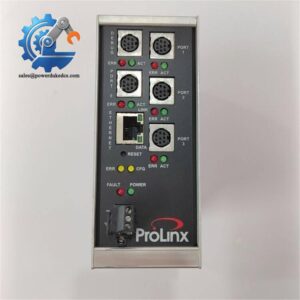
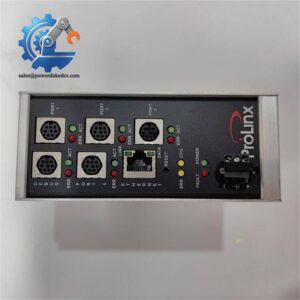
- PROSOFT MVI56-MNET | CE Compliant Modbus Interface
Unboxing & Physical Snapshot
- Brand & Model: ProSoft Technology MVI56-MNET
- Product Family: ProSoft inRAx Series for Rockwell Automation ControlLogix
- Product Type: Modbus TCP/IP Communication Interface Module. The MVI56-MNET provides a communication bridge between ControlLogix processors and Modbus TCP/IP-compatible devices.
- Primary Application: Industrial Ethernet integration, PLC-to-device communication, SCADA connectivity, energy monitoring systems, process automation networks, and legacy ControlLogix installations.
- Physical Dimensions (Approximate W × H × D):
- Approximately 33 × 138 × 112 mm
- Single-slot ControlLogix-compatible module format.
- Estimated Shipping Weight: Approximately 0.5–1.0 kg including ESD packaging and export carton.
- What’s in the Box:
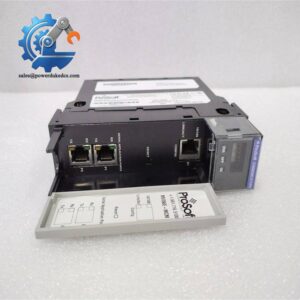
- ProSoft MVI56-MNET communication module
- Configuration interface accessories (availability depends on package)
- Ethernet communication port
- Module identification label
- Anti-static (ESD) packaging
- Protective transport carton
Product Introduction
Structure B — Architecture Hook
The ProSoft MVI56-MNET installs directly into a Rockwell Automation ControlLogix 1756 chassis, operating as an interface layer between the PLC backplane and external Modbus TCP/IP networks. The module transfers data between ControlLogix processor memory and connected Modbus devices without requiring the processor to directly manage the communication protocol.
This communication module is often retained in long-life automation systems where replacing the entire PLC architecture is impractical. Verify the slot configuration, firmware revision, and ladder logic data mapping before replacement (—which is critical when maintaining production systems with validated communication paths). Inspect the Ethernet port, retaining clips, and backplane connector before installation.
Core Technical Specifications
| Parameter | Value |
|---|---|
| Manufacturer | ProSoft Technology |
| Model Number | MVI56-MNET |
| Product Type | Modbus TCP/IP Communication Module |
| Platform Compatibility | Rockwell Automation ControlLogix |
| Chassis Format | Single Slot 1756 Compatible |
| Rack Installation | Local or Remote Rack |
| Ethernet Interface | 10/100 Mbps Ethernet |
| Connector Type | RJ45 Ethernet |
| Protocol Support | Modbus TCP/IP Client/Server |
| Data Memory | Up to 5000-word register space |
| Configuration Method | ProSoft Configuration Builder |
| Processor Data Transfer | Ladder logic / module I/O mapping |
| Backplane Current Load | 800 mA @ 5 VDC |
| Operating Temperature | 0°C to 60°C |
| Storage Temperature | -40°C to 85°C |
| Relative Humidity | 5–95% RH, non-condensing |
| Shock Resistance | 30 g operational / 50 g non-operational |
| Vibration Resistance | 5 g, 10–150 Hz |
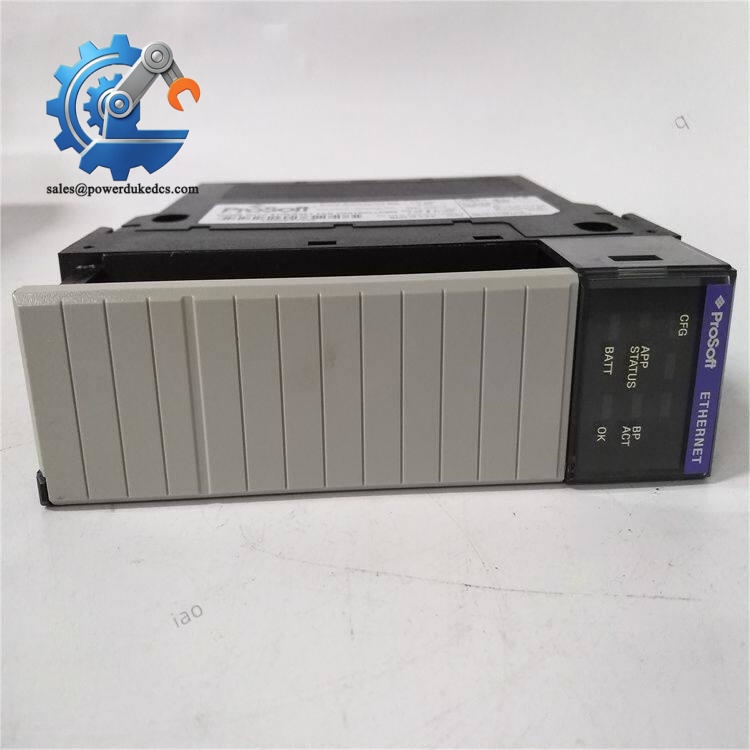
PROSOFT MVI56-MNET
The uses internal register mapping to exchange information between the ControlLogix processor and Modbus network devices. Application compatibility depends heavily on configuration files, register mapping, and controller program logic.
? Global Compliance & Industry Certifications
Expected regulatory considerations for the ProSoft include:
- CE Mark — applicable for compliant industrial control installations.
- UL/cUL Recognition — may apply when installed within approved ControlLogix-based control panels.
- RoHS Compliance — dependent on production revision and regional requirements.
- ATEX/IECEx — not a standalone hazardous-area communication device; suitability depends on the complete certified system.
- Marine Approvals (DNV GL) — not standard unless integrated into approved marine automation equipment.
Communication modules installed in industrial networks must meet both electrical safety requirements and system-level integration requirements. Incorrect network hardware replacement can create unexpected communication failures even when the module powers correctly.
Verify specific lot certifications with OEM.
? Long-Term Storage & Asset Preservation Guide
Store the inside its original anti-static (ESD) shielding bag. The backplane connector and Ethernet interface require protection from dust and oxidation.
Maintain warehouse humidity below 60% RH. Excess moisture can degrade PCB coatings and connector contacts during extended storage.
Before installation:
- Inspect the 1756 backplane connector for contamination or corrosion.
- Check the RJ45 port and LED indicators for physical damage.
- Verify firmware revision against the installed ControlLogix communication configuration.
- Confirm configuration files and register mapping backups are available.
- Avoid storing modules on conductive surfaces without ESD protection.
Keep configuration records with the physical spare. A replacement module without the correct communication parameters may not restore operation.
Physical Installation Prerequisites
- Install in an approved ControlLogix 1756 chassis slot.
- Confirm chassis power supply capacity before insertion.
- Use proper ESD handling procedures.
- Verify Ethernet cable shielding and grounding practices.
- Confirm PLC program compatibility with the module data mapping.
- Ensure cabinet ventilation supports the operating temperature range.
- Leave approximately 50 mm clearance around cabinet ventilation areas where applicable.
Do not force the module into the rack. The backplane connector pins can be damaged by improper alignment.
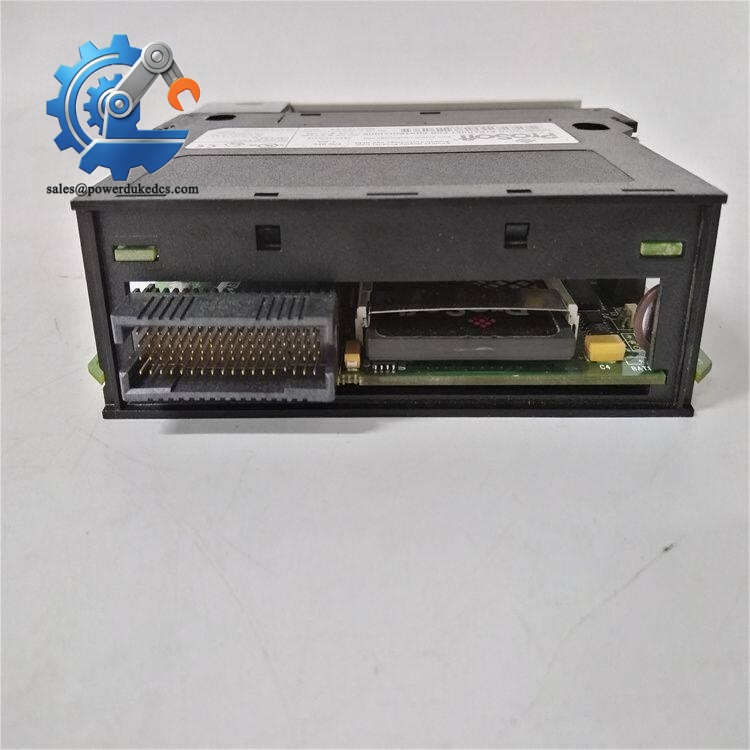
PROSOFT MVI56-MNET
Buyer’s FAQ (Logistics & Compliance Focus)
Q1. What HS Tariff Code is commonly used for the ProSoft ?
A: The final Harmonized System classification depends on customs interpretation and the declared function of the communication module. Industrial network interface modules are commonly reviewed under electrical control or communication equipment categories. Confirm the final HS code with your customs broker.
Q2. Does Country of Origin affect import documentation?
A: Yes. COO information supports customs clearance, customer asset records, and industrial traceability. Keep the OEM label, commercial invoice, packing list, and inspection records together.
Q3. Is shipping insurance recommended for this communication module?
A: Recommended. Although compact, the module contains electronic circuits and precision backplane contacts. Shock, vibration, moisture, or ESD exposure during transport may cause hidden failures.
Q4. Does the ProSoft include the latest firmware pre-loaded?
A: The module contains firmware, but the installed revision depends on manufacturing date and configuration. Verify firmware compatibility, ProSoft configuration files, and ControlLogix application logic before commissioning.



 Start Chat


