

Description
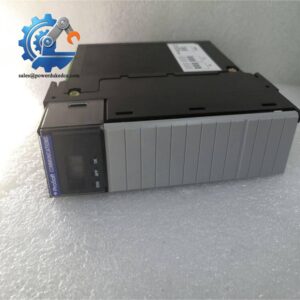
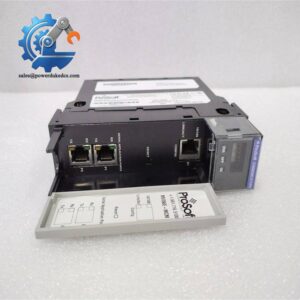
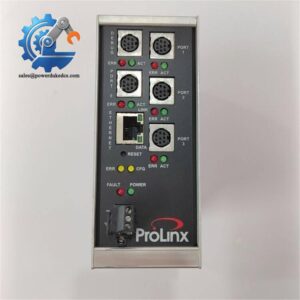
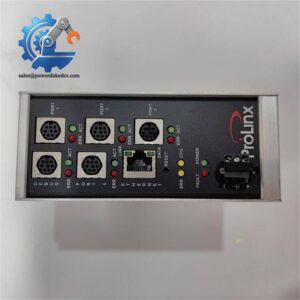
- ProSoft MVI56-MCM | RS-232/422/485 ControlLogix Card
2. Unboxing & Physical Snapshot
- Model & Brand: ProSoft Technology MVI56-MCM Modbus Master/Slave Communication Module for Rockwell Automation ControlLogix platforms. The module provides Modbus RTU communication between ControlLogix processors and external Modbus-compatible devices.
- Product Type: Single-slot ControlLogix in-chassis communication module.
- Compatible Platform: Rockwell Automation ControlLogix 1756 chassis.
- Physical Dimensions (Approximate W × H × D): Approximately 33 × 138 × 112 mm (1.3 × 5.4 × 4.4 in.).
- Estimated Shipping Weight: Approximately 0.5–1.0 kg (1.1–2.2 lb) including ESD packaging.
- What’s in the Box:
- ProSoft MVI56-MCM communication module
- RJ45-to-DB9 serial adapter cables (supplied with unit)
- Configuration cable
- Anti-static ESD shielding bag
- Product identification label
- Documentation/software files when provided
3. Product Introduction
The ProSoft MVI56-MCM mounts directly into a ControlLogix chassis backplane and occupies one standard slot. Physical installation quality is important. Inspect the backplane connector, chassis alignment guides, and retaining mechanism before insertion because poor contact can interrupt communication between the module and the processor (a common issue in aging control cabinets).
This module acts as a communication bridge between Rockwell ControlLogix controllers and Modbus-compatible equipment such as meters, drives, analyzers, and remote controllers. It supports Modbus Master and Slave operation, configurable serial ports, and RS-232/422/485 communication modes. Preserve the original configuration file during asset storage; replacing the hardware without restoring communication parameters will not return the network to service.
4. Core Technical Specifications
| Parameter | Value |
|---|---|
| Manufacturer | ProSoft Technology |
| Model Number | MVI56-MCM |
| Product Type | Modbus Master/Slave Communication Module |
| Platform | Rockwell ControlLogix |
| Installation | Single-slot chassis module |
| Protocol | Modbus RTU Master / Slave |
| Serial Interfaces | RS-232, RS-422, RS-485 |
| Communication Ports | 2 application serial ports |
| Baud Rate | 110 to 115,200 baud |
| Data Bits | 5, 6, 7, or 8 |
| Stop Bits | 1 or 2 |
| Parity | None, Odd, Even |
| Modbus Modes | RTU and ASCII |
| Backplane Current Load | 800 mA @ 5 VDC; 3 mA @ 24 VDC |
| Backplane Isolation | 500 V optical isolation |
| Configuration Port | RS-232 via RJ45 connector |
| LED Indicators | Module status, backplane transfer, application, serial activity |
| Operating Temperature | 0°C to 60°C |
| Storage Temperature | -40°C to 85°C |
| Humidity | 5–95% RH non-condensing |
| Shock Resistance | 30 g operational |
| Vibration Resistance | 5 g from 10–150 Hz |
| Cooling Method | Natural cabinet convection |
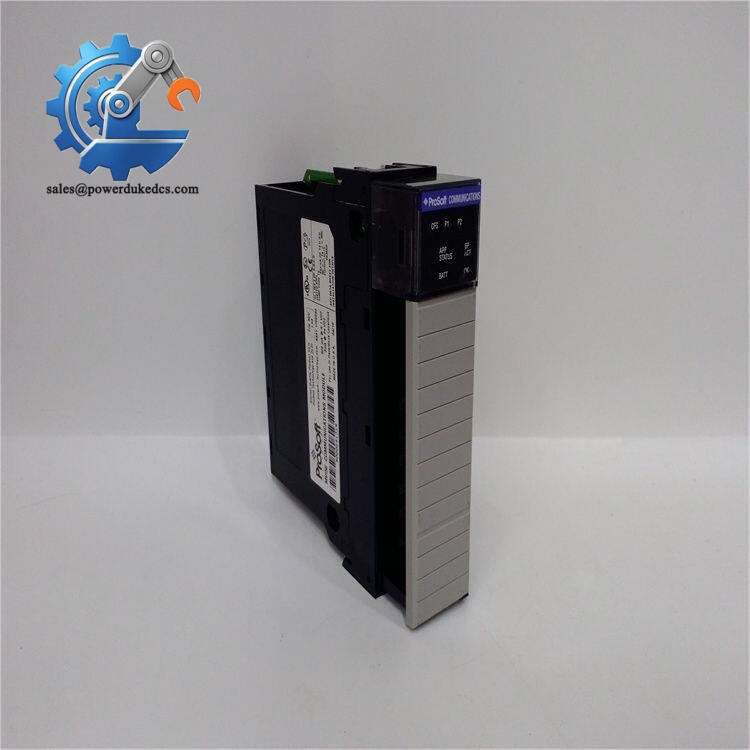
ProSoft MVI56-MCM
5. Global Compliance & Industry Certifications
Expected compliance considerations for the ProSoft MVI56-MCM include:
- CE Mark — applicable for compliant industrial automation installations.
- UL/cUL Recognition — typically evaluated as part of the complete ControlLogix system installation.
- RoHS Compliance — verify according to manufacturing revision and available documentation.
- FCC EMC Compliance — relevant for industrial communication electronics.
- ATEX/IECEx — not a standalone hazardous-area certified module; installation requires a complete certified system approach.
- Marine approvals (DNV GL) — only applicable when supplied as part of an approved marine automation package.
EMC compliance matters for serial communication modules because RS-485 networks can be affected by electrical noise from motor drives, contactors, and high-current switching equipment.
Verify specific lot certifications with OEM.
6. Long-Term Storage & Asset Preservation Guide
Keep the MVI56-MCM inside its original anti-static (ESD) bag during warehouse storage. The rear backplane connector is the most sensitive mechanical interface; avoid contact contamination.
Maintain storage humidity below 60% RH. Moisture exposure can oxidize connector contacts and reduce long-term communication stability.
Before installation after extended storage:
- Inspect the chassis connector pins.
- Check the serial port adapters and cables.
- Confirm firmware revision compatibility.
- Restore the saved Modbus configuration file.
- Verify RS-232/422/485 jumper or port settings before commissioning.
Store the module away from vibration sources and corrosive chemicals.
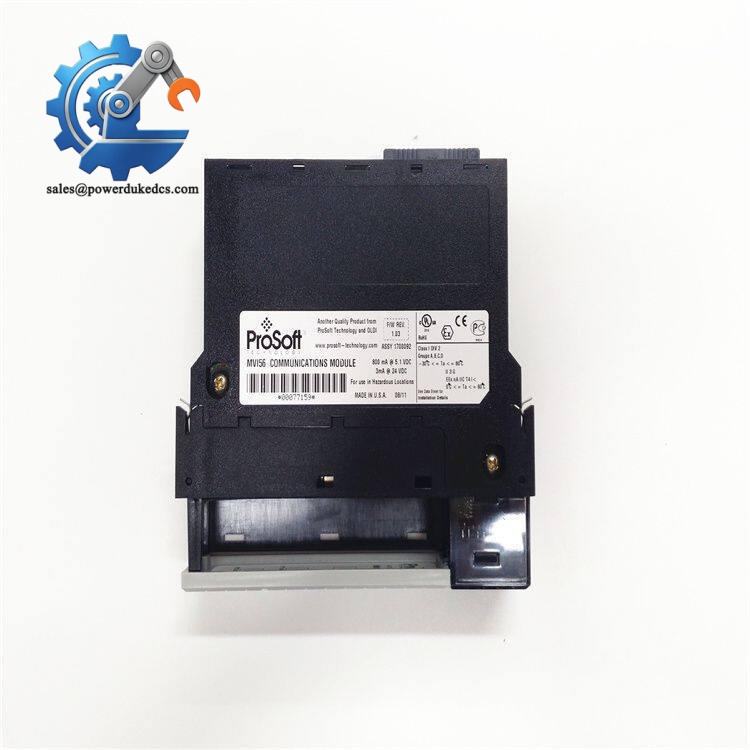
ProSoft MVI56-MCM
7. Physical Installation Prerequisites
- Install only in a compatible ControlLogix 1756 chassis.
- Remove chassis power before inserting or removing the module.
- Confirm the correct slot assignment in the RSLogix/Studio 5000 project.
- Ensure the backplane connector is clean and undamaged.
- Use shielded serial communication cable for industrial environments.
- Ground cable shields according to plant wiring standards.
- Separate communication cables from motor power conductors.
- Maintain approximately 50 mm clearance around cabinet ventilation areas.
- Verify cabinet temperature remains within operating limits.
- Confirm Modbus addressing, baud rate, parity, and termination settings before startup.
8. Buyer’s FAQ (Logistics & Compliance Focus)
Q: What HS Tariff Code is commonly used for the ProSoft MVI56-MCM?
A: Industrial communication modules are commonly reviewed under HS 8517 or HS 8538, depending on customs interpretation and whether the item is declared as communication equipment or a control-system component.
Q: Does Country of Origin (COO) affect importing the MVI56-MCM?
A: Yes. COO affects customs documentation, duty calculation, warranty traceability, and industrial asset records. The invoice, packing list, and product label should show consistent information.
Q: Is shipping insurance recommended for this module?
A: Recommended. Although compact, the module contains PCB assemblies, serial communication circuitry, and precision backplane contacts. Impact damage or ESD exposure may not be visible during receiving inspection.
Q: Does the MVI56-MCM include the latest firmware pre-loaded?
A: Firmware depends on the specific hardware revision. The module also requires the correct Modbus configuration, communication parameters, and ControlLogix application setup. Always verify the existing configuration backup before replacing an installed unit.
Lifecycle Note: Maintain configuration files together with the spare module. For legacy ControlLogix communication assets, the saved application parameters are often as important as the hardware itself.



 Start Chat


