

Description
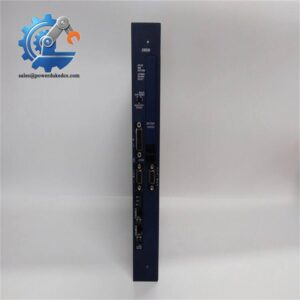
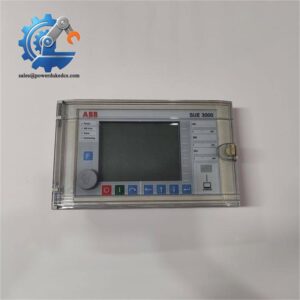
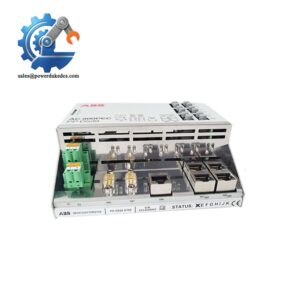
- ABB HBFEAEAGABB1BNA11E REF615 | Field-proven Intelligent Electronic Device For Substation
Product Core Brief
- Model: REF615 HBFEAEAGABB1BNA11E
- Brand: ABB
- Series: Relion 615 series
- Core Function: Provide feeder protection, fault recording and network monitoring for medium voltage switchgear
- Type: Feeder Protection and Control IED
- Key Specs: Overcurrent / earth fault protection, multiple communication protocols, built-in HMI display
- Condition: New Surplus, without site commissioning records
⚠️ ABB active production model, stock subject to real-time confirmation
Product Introduction
Key Technical Specifications
| Parameter | Details |
|---|---|
| Full Type Code | REF615 HBFEAEAGABB1BNA11E |
| Manufacturer | ABB |
| Product Platform | Relion 615 Series |
| Main Functions | Phase overcurrent, earth fault, overload protection, fault event recording, circuit breaker control |
| Auxiliary Supply | 24–250 V DC / 80–265 V AC (depends on ordering configuration) |
| Analog Input | 3-phase current + 3-phase voltage inputs |
| Communication Protocols | IEC 61850, Modbus TCP, IEC 60870-5-103 |
| Human Interface | Front LCD display, operation push buttons, status LEDs |
| Mounting Mode | Standard 19-inch panel flush mounting |
| Operating Temperature | -20 °C ~ +55 °C |
| Storage Temperature | -40 °C ~ +70 °C |
| Front Protection Class | IP54 after proper installation |
| Configuration Tool | PCM600 software |
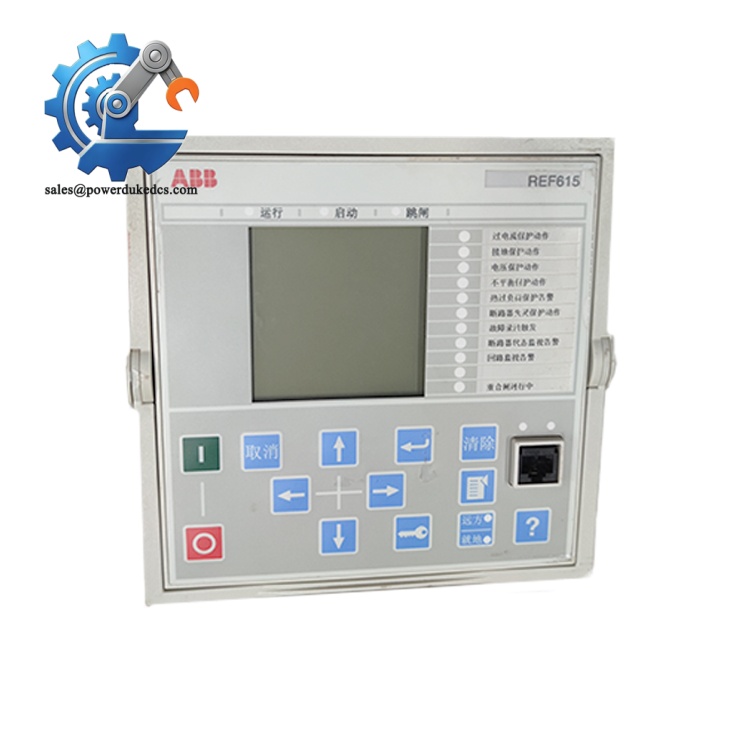
ABB REF615 HBFEAEAGABB1BNA11E
Installation & Configuration Guide
Phase 1: Pre-Installation (Estimated time:15 minutes)
- Arrange power outage maintenance window and complete switching operation procedures
- Confirm upstream circuit breaker is open and implement earthing safety measures
- Cut off auxiliary power supply for protection panel; wait minimum 5 minutes for capacitor discharge
- ESD wrist strap and anti-static mat
- PH1 cross screwdriver
- Digital multimeter
- Mobile phone for photo documentation
- Cable labels for marking CT, VT and control wiring
- Export complete protection setting parameters from the existing REF615 via PCM600
- Photograph all rear terminal wiring layout
- Record hardware ordering code, firmware version and communication parameters
Phase 2: Removal of faulty IED (Estimated time:18 minutes)
- Mark each wiring terminal before disconnection, especially CT secondary circuits
⚠️ Critical rule: Never open CT secondary loop under live status
- Loosen rear terminal block screws and separate control cables one group at a time
- Unscrew four fixing bolts on the panel front frame
- Pull the relay slowly outward from the cabinet cutout
- Inspect cabinet wiring ducts and terminal blocks for signs of overheating
⚠️ Keep parameter label on the rear housing photographed completely before removing the old unit.
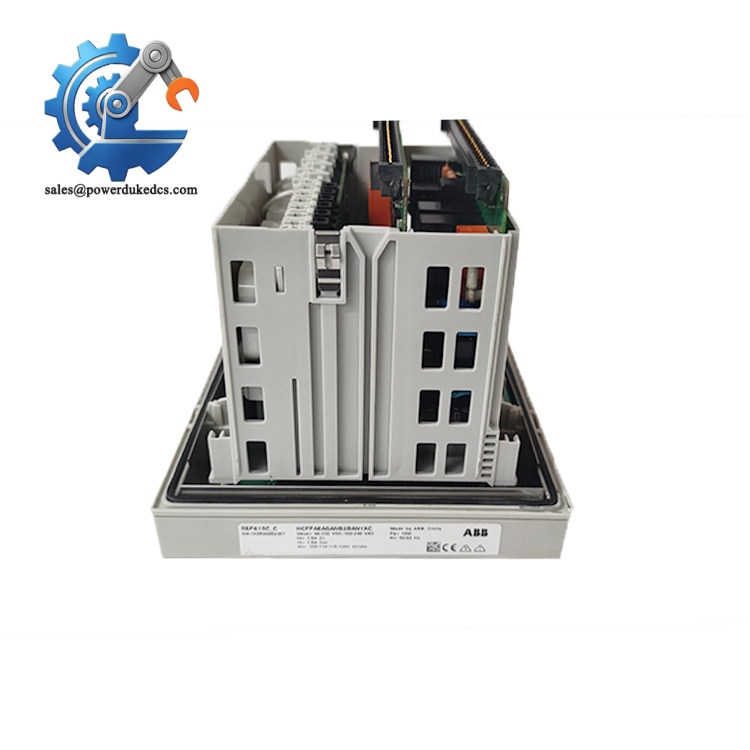
ABB REF615 HBFEAEAGABB1BNA11E
Phase 3: Install new REF615 relay (Estimated time:20 minutes)
- Wear anti-static gear before opening the original anti-static package
- Confirm full ordering code REF615 HBFEAEAGABB1BNA11E matches required configuration
- Place the relay into cabinet cutout and fasten four fixing bolts with even torque
- Recover CT, VT and binary signal wiring strictly following photos and labels
- Lock all terminal screws to prevent poor contact caused by vibration
[ ] All CT secondary loops form closed circuits
[ ] No reversed polarity for voltage and current wiring
[ ] Communication cables correctly terminated
[ ] Fixing bolts uniformly tightened
Phase 4: Power-On & Functional Testing (Estimated time:40 minutes)
- Measure auxiliary supply voltage to match rated range
- Confirm no short-circuit on control power terminals
- Switch on auxiliary power supply for the protection device
- Watch startup procedure, confirm no persistent alarm LEDs after initialization
- Connect PCM600 software and establish communication with IED
- Import backed-up protection setting group and activate parameter set
- Carry out binary input/output loop test, verify breaker control signals
- Check time synchronization status if substation GPS clock is deployed
- Maintain continuous running for 30 minutes and monitor abnormal fault messages
- Communication failure: Check IP address, subnet mask and network switch port
- Protection function abnormal: Verify CT ratio, wiring polarity and setting values
- Continuous hardware alarm: Confirm the ordering code configuration matches site requirements
Frequently Asked Questions (FAQ)
A: Direct replacement cannot be guaranteed. Each suffix defines I/O quantity, communication modules and power supply type. Compare the complete ordering string; mismatched configurations will lead to missing functions.
A: PCM600 is the official configuration tool. Check software compatibility; newer firmware versions require updated PCM600 releases.
A: Available inventory is New Surplus without formal site commissioning. Every unit undergoes power-on startup test and communication verification before shipment. Refurbished units will be marked separately if offered.
A: Hot swap is not recommended. Interruption of protection devices will disable automatic fault protection for the feeder. Standard operation requires planned power cut.
A: 12-month warranty counted from shipment date. Damage induced by wrong wiring, overvoltage surge or electrostatic discharge will not be covered. We can provide power-on test video upon request before order confirmation.
A: This ordering variant includes IEC 61850 function. Confirm communication port allocation inside PCM600 after commissioning.
A: Stock availability needs real-time verification. Goods can be dispatched within 1–3 working days once stock is confirmed. As an active ABB product, restock channels remain available subject to factory lead time.




 Start Chat


