

Description
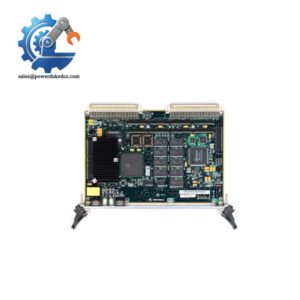
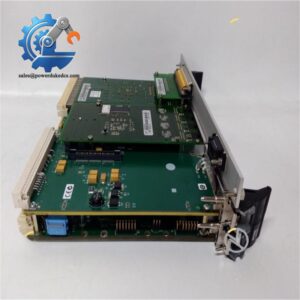
- Motorola MVME374 | Traceable Legacy Control Hardware
Unboxing & Physical Snapshot
- Model & Brand: Motorola MVME374
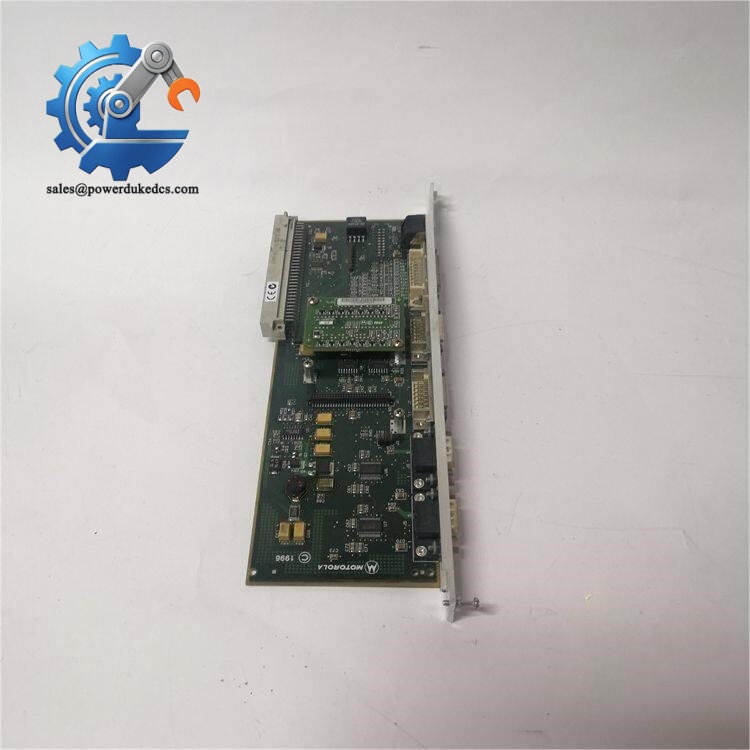
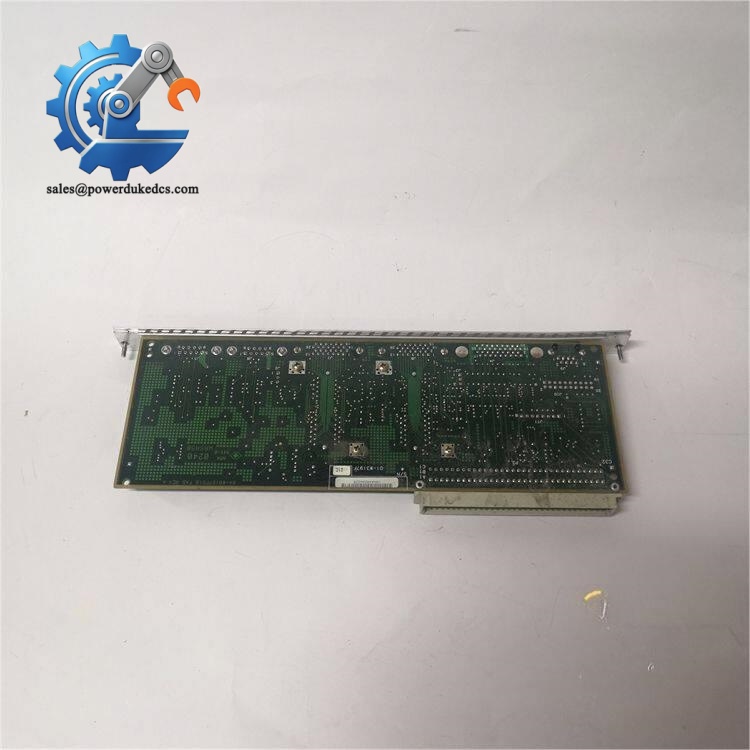
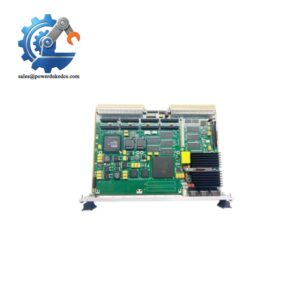
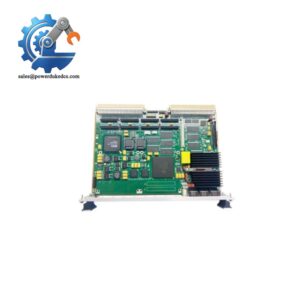
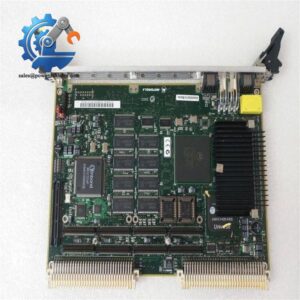
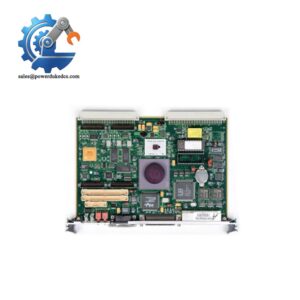
- Product Type: VMEbus Intelligent Ethernet Controller Board
- Application: Dedicated Ethernet communication processor for VMEbus systems. The MVME374 uses an onboard processor and Ethernet controller hardware to provide network connectivity while reducing communication workload on the host VME computer.
- Approximate Physical Dimensions (W × H × D):
- Width: approximately 233 mm
- Height: approximately 160 mm
- Depth: approximately 20 mm
- Double-height VME board format
- Estimated Shipping Weight: Approximately 1.0–1.5 kg including ESD packaging. (Some supplier listings specify approximately 3 lb shipping weight for MVME374 variants.)
- What’s in the Box:
- Motorola MVME374 Ethernet controller board
- Front panel assembly
- VMEbus edge connector interface
- Ethernet interface connector
- Status indicator LEDs
- ESD shielding bag
- Protective transport packaging
- Documentation when supplied with controlled inventory
Product Introduction
The Motorola MVME374 installs directly into a VMEbus chassis as an intelligent communication board, connecting the legacy backplane environment with Ethernet networks through dedicated processing hardware. The board architecture includes an MC68020 processor and Ethernet controller functions, allowing protocol handling to occur locally rather than consuming the main system processor resources (important in older industrial systems with fixed real-time performance requirements).
This module should be treated as a controlled legacy automation asset. Replacement is not limited to matching the board number. Verify VME addressing, firmware image, network configuration, and host application compatibility before installation. Inspect the AUI Ethernet connector, VME edge contacts, status LEDs, and socketed components carefully (aging communication boards often fail at connectors or stored firmware devices before the main processor becomes defective).
Core Technical Specifications
| Parameter | Value |
|---|---|
| Manufacturer | Motorola |
| Model Number | |
| Product Type | Intelligent VME Ethernet Controller |
| Bus Architecture | VMEbus (IEEE 1014) |
| Processor | Motorola MC68020 |
| Processor Speed | 16 MHz or 25 MHz versions |
| Ethernet Controller | AMD AM7990 LANCE Ethernet controller |
| Ethernet Interface | IEEE 802.3 Ethernet via 15-pin AUI connector |
| Memory | Shared DRAM, configuration dependent |
| Typical Memory Range | 1 MB to 8 MB shared RAM |
| Protocol Processing | Multi-protocol Ethernet communication processing |
| VME Interface | A32/D32 master and slave capability |
| Power Supply | VME backplane +5 VDC, ±12 VDC rails |
| Power Consumption | Configuration dependent |
| Heat Dissipation | Equivalent to electrical operating losses |
| Cooling Method | Forced-air VME chassis cooling |
| Mounting Method | 6U VME chassis slot installation |
| Operating Environment | Industrial electronic enclosure |
- Motorola
Global Compliance & Industry Certifications
Expected compliance considerations for this class of industrial communication hardware include:
- CE Mark for applicable EMC requirements when installed inside a compliant system enclosure.
- UL/cUL Listed or Recognized status depending on the complete equipment assembly.
- ATEX/IECEx consideration only when incorporated into a certified hazardous-area system with approved enclosure and wiring methods.
- Marine approvals such as DNV GL where installed as part of qualified vessel or offshore control equipment.
For hazardous locations, the board itself does not provide explosion protection. The complete system design, enclosure certification, grounding method, and installation practices determine compliance.
Verify specific lot certifications with OEM.
Long-Term Storage & Asset Preservation Guide
- Store the inside its original anti-static (ESD) shielding bag. Protect the VME connector fingers and AUI interface from oxidation and physical damage.
- Inspect firmware devices, socketed components, and any battery-backed memory before installation. Legacy communication boards frequently require component verification after extended storage periods.
- Maintain warehouse humidity below 60% RH to protect PCB coatings and connector surfaces from environmental degradation.
Check the date code. Preserve serial records and firmware information with the physical asset.
Physical Installation Prerequisites
- Install only in a compatible 6U VMEbus chassis with matching backplane configuration.
- Verify VME slot assignment, address mapping, and host communication parameters before power application.
- Maintain sufficient chassis airflow clearance for forced-air cooling.
- Confirm VME backplane power rails:
- +5 VDC
- +12 VDC
- -12 VDC
- Verify chassis grounding and protective earth bonding.
- Use ESD protection when handling the board.
- Confirm Ethernet cabling, protocol configuration, and firmware compatibility before system startup.
- Motorola
Buyer’s FAQ (Logistics & Compliance Focus)
Q: What HS Tariff Code is commonly reviewed for the Motorola ?
A: VME communication controller boards are commonly evaluated under HS 8471 or related electronic processing equipment classifications, depending on declared function and importing-country customs interpretation.
Q: Does Country of Origin (COO) documentation matter for the ?
A: Yes. COO records support customs clearance, lifecycle tracking, and qualification of replacement parts for legacy automation systems. Maintain original labels, serial numbers, and receiving inspection records.
Q: Should shipping insurance be purchased for the ?
A: Yes. Legacy VME boards may contain difficult-to-source components, firmware devices, and specialized interface hardware. Use ESD protection, shock-resistant packaging, moisture control materials, and declared-value insurance.
Q: Does the Motorola include the latest firmware pre-loaded?
A: Firmware depends on the installed ROM image and the original system application. Confirm the Ethernet protocol software, boot firmware, and host VME configuration before deployment.



 Start Chat


