

Description
- ICS Triplex T9100@F2 | Traceable Critical Control Spare
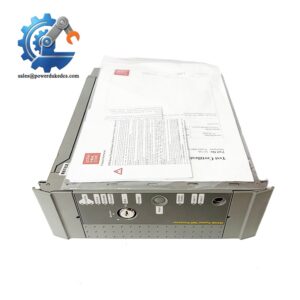
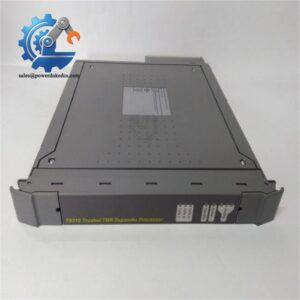
Unboxing & Physical Snapshot
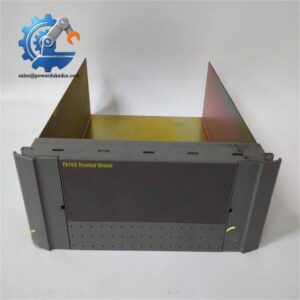
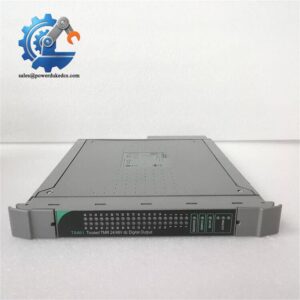
- Model & Brand: ICS Triplex 9100 T9100@F2
- Product Type: Trusted TMR Processor Module / Dual Processor Module Assembly
- Application: Safety controller processor module used within ICS Triplex 9100 series safety systems. The T9100@F2 is identified as a processor module for critical automation applications, incorporating Triple Modular Redundant (TMR) processing architecture for safety-related control functions.
- Approximate Physical Dimensions (W × H × D):
- Width: approximately 150 mm
- Height: approximately 110 mm
- Depth: approximately 60 mm
- Dimensions may vary depending on installed front panel and revision configuration.
- Estimated Shipping Weight: Approximately 1.2–1.5 kg including ESD shielding bag, foam protection, and export carton.
- What’s in the Box:
- ICS Triplex T9100@F2 Processor Module
- Front diagnostic interface section
- Processor module assembly
- Backplane connection interface
- Anti-static (ESD) shielding bag
- Protective transport packaging
- Documentation when supplied with controlled inventory
Product Introduction
The T9100@F2 installs as the central processing element within the ICS Triplex 9100 safety controller architecture. Its physical hardware integrates processor functions, fault monitoring circuits, memory resources, and communication interfaces into a safety-rated controller assembly. The module receives power through the controller backplane and participates in redundant processing and voting operations (which is critical for shutdown and protection systems where detected faults must be isolated).
Manage this module as a controlled safety asset. Replacement requires verification of hardware revision, firmware compatibility, application configuration, and controller validation records. Inspect the rear connector pins, front-panel indicators, mounting guides, and protective housing before installation. A matching label does not confirm software compatibility.
Core Technical Specifications
| Parameter | Value |
|---|---|
| Manufacturer | ICS Triplex |
| Model Number | T9100@F2 |
| Product Type | TMR Processor Module |
| System Platform | ICS Triplex 9100 Safety Controller |
| Architecture | Triple Modular Redundant (TMR) |
| Processor Function | Safety application execution and system management |
| Power Supply | +24 VDC redundant supply through controller assembly |
| Typical Operating Voltage | 24 VDC |
| Power Consumption | Approximately 25 W (configuration dependent) |
| Memory Type | Non-volatile program memory and processor memory |
| Firmware Storage | Internal memory storage |
| Fault Detection | Online diagnostics and fault monitoring |
| Communication Interface | Controller backplane communication |
| Data Retention | Battery-supported memory retention |
| Operating Temperature | Approximately -20°C to +60°C |
| Storage Temperature | Approximately -40°C to +85°C |
| Humidity Range | Approximately 10–95% RH non-condensing |
| Mounting Method | Dedicated 9100 controller chassis mounting |
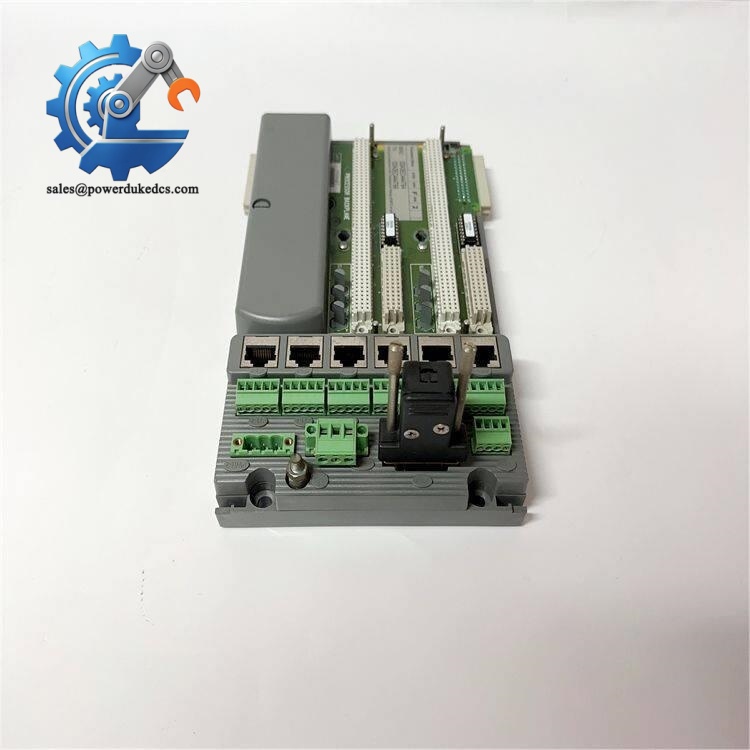
- ICS Triplex @F2
Global Compliance & Industry Certifications
Expected compliance considerations for the ICS Triplex @F2 include:
- CE Mark for EMC compliance within the approved ICS Triplex safety system installation.
- IEC 61508 SIL capability when used as part of the validated TMR safety architecture.
- UL/cUL Listed or Recognized status depending on the complete system certification.
- ATEX/IECEx consideration when installed within approved hazardous-area safety applications.
- Marine approvals such as DNV GL where incorporated into certified offshore or vessel control systems.
IEC 61508 compliance is important because the processor module executes safety logic where diagnostic coverage and fault tolerance directly influence the safety integrity level of the complete system.
Verify specific lot certifications with OEM.
Long-Term Storage & Asset Preservation Guide
- Keep the @F2 inside its original anti-static (ESD) shielding bag during storage. Protect the backplane contacts from oxidation and contamination.
- Maintain warehouse humidity below 60% RH to prevent corrosion on connector surfaces and degradation of PCB protective coatings.
- Inspect stored units every 12–24 months. Record the hardware revision, serial number, firmware label information, and packaging condition before deployment.
Check the date code. Legacy safety processors require accurate lifecycle records.
Physical Installation Prerequisites
- Install only into the approved ICS Triplex 9100 controller chassis.
- Verify processor slot position, redundancy configuration, and system database before applying power.
- Maintain cabinet airflow. Leave at least 50 mm clearance above and below the rack assembly where cabinet design allows.
- Confirm redundant 24 VDC supply wiring and protective earth grounding.
- Inspect the backplane connector before insertion.
- Use grounded ESD protection when handling the module.
- Verify firmware revision and application compatibility before returning the safety system to operation.
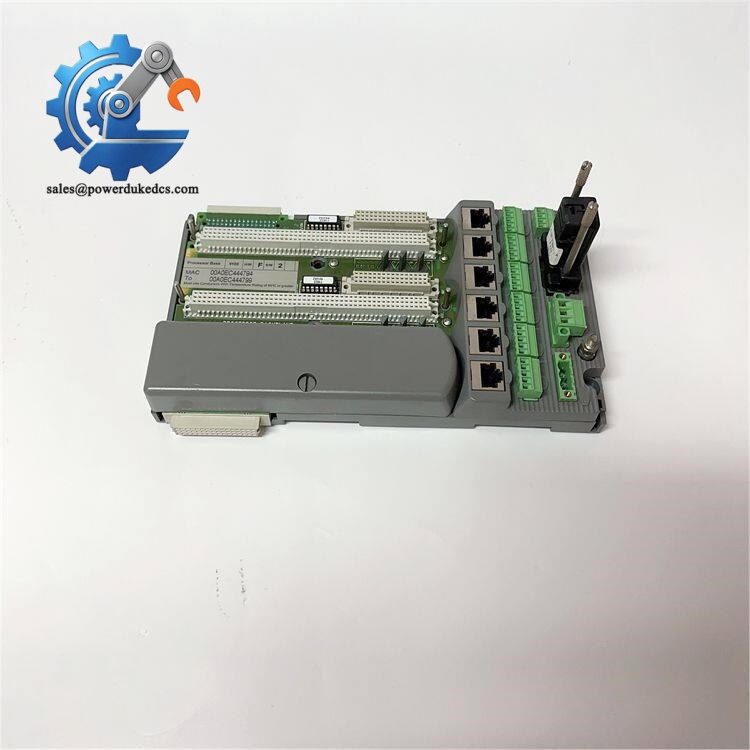
- ICS Triplex @F2
Buyer’s FAQ (Logistics & Compliance Focus)
Q: What HS Tariff Code is commonly reviewed for the ICS Triplex @F2?
A: Processor modules for industrial safety control systems are commonly evaluated under HS 8537 or related electrical control equipment classifications. The final classification depends on the destination country’s customs regulations and declared function.
Q: Why does Country of Origin (COO) documentation matter for the @F2?
A: COO records support customs clearance, supplier qualification, and safety asset traceability. Maintain OEM labels, purchase records, invoices, and inspection documentation together.
Q: Should shipping insurance be purchased for this processor module?
A: Yes. The @F2 contains specialized processor electronics, memory devices, and safety monitoring circuits. Use ESD packaging, shock protection, moisture control materials, and declared-value freight coverage.
Q: Does the ICS Triplex @F2 include the latest firmware pre-loaded?
A: Not necessarily. Firmware revision depends on the individual module history and system requirements. Confirm firmware version, application compatibility, and controller configuration before installation.



 Start Chat


