

Description
- ICS Triplex T9193 | Original I/O Position Cover
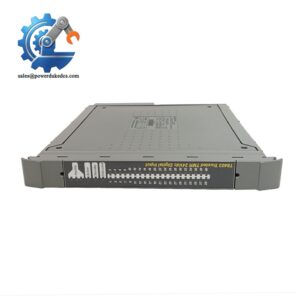
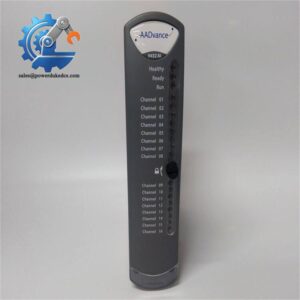
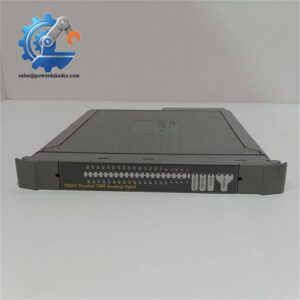
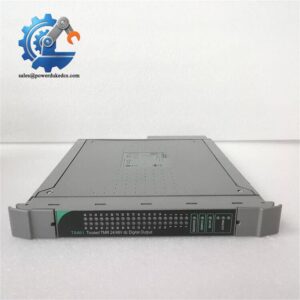
Unboxing & Physical Snapshot
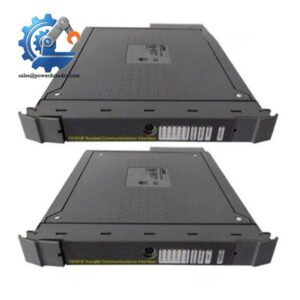
- Brand & Model: ICS Triplex T9193
- Product Type: Short blanking cover for unused I/O positions fitted with a Terminal Assembly (TA) or processor position in ICS Triplex Trusted/AADvance system chassis. It protects unused slots from accidental contact and maintains cabinet airflow management.
- Physical Dimensions (Approximate W × H × D):
- Approximately 124 × 15 × 126 mm
- Short blanking cover format for Trusted/AADvance chassis I/O positions
- Estimated Shipping Weight: Approximately 0.1–0.4 kg including ESD packaging and protective carton.
- What’s in the Box:
- ICS Triplex T9193 short blanking cover
- Mounting clips / snap-fit retention features
- Protective packaging
- Installation documentation when supplied
Product Introduction
Structure B — Architecture Hook
The ICS Triplex T9193 occupies unused I/O positions within a Trusted or AADvance chassis where a Terminal Assembly or processor location requires physical protection. It is a mechanical enclosure component rather than an electronic module, but its position in the rack affects cabinet safety, airflow, and protection against accidental contact with internal connectors.
A missing blanking cover can expose chassis interfaces to dust, foreign objects, or unintended contact during maintenance activities (—which matters in safety cabinets operating under strict inspection procedures). Verify the cover profile, mounting clips, and chassis slot arrangement before installation. The retaining features should lock firmly without forcing the polymer housing.
Core Technical Specifications
| Parameter | Value |
|---|---|
| Manufacturer | ICS Triplex |
| Model Number | T9193 |
| Product Type | Short I/O Blanking Cover |
| Application | Unused I/O positions with TA or processor location |
| System Compatibility | ICS Triplex Trusted / AADvance chassis |
| Function | Slot protection and cabinet airflow control |
| Material | Industrial polymer housing |
| Color | Black |
| Mounting Method | Snap-fit chassis installation |
| Dimensions | Approx. 124 × 15 × 126 mm |
| Weight | Approx. 0.08–0.4 kg |
| Operating Temperature | Approximately -20°C to +70°C |
| Storage Temperature | Approximately -40°C to +85°C |
| Humidity Rating | 10%–95% RH, non-condensing |
| Protection Function | Maintains IP20 finger protection for unused positions |
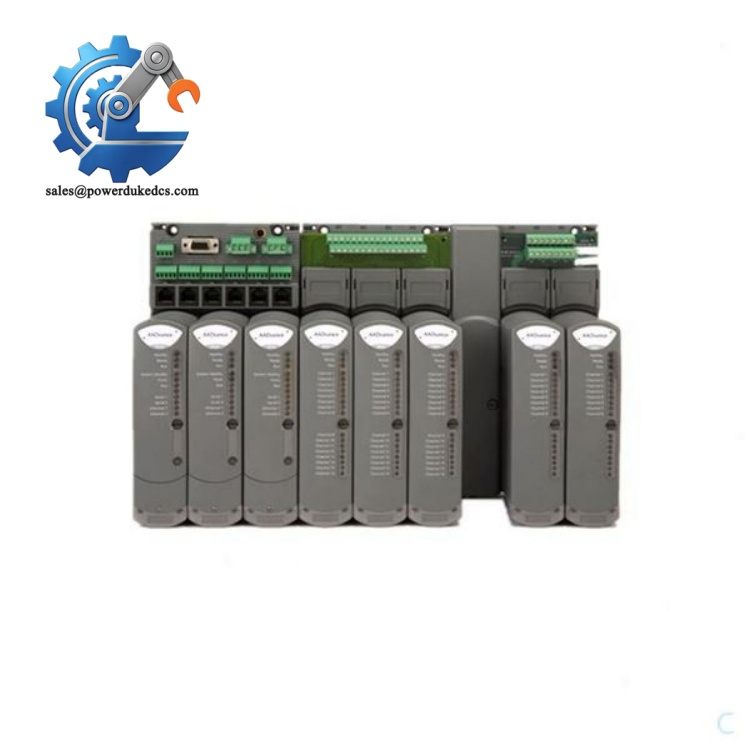
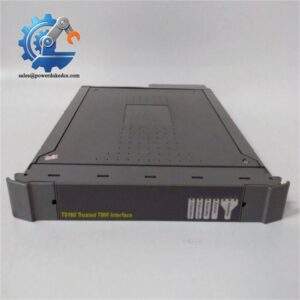
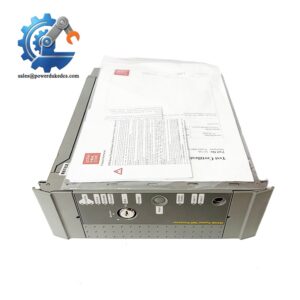
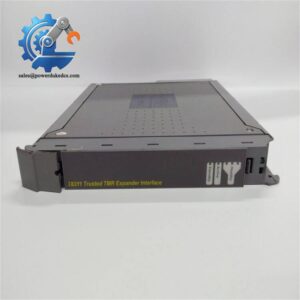
ICS Triplex T9193
The T9193 does not contain processors, memory, firmware, or power electronics. Treat it as a precision mechanical protection component within the safety system cabinet.
? Global Compliance & Industry Certifications
Expected regulatory considerations for the ICS Triplex include:
- CE Mark — may apply as part of the complete Trusted/AADvance system assembly.
- UL/cUL Recognition — dependent on the certified system configuration and enclosure approval.
- IEC 61508 System Compatibility — relevant because the component supports physical integrity of safety-related control equipment.
- ATEX/IECEx Compatibility — not a standalone hazardous-area certified component; installation depends on the complete certified system.
- Marine Approvals (DNV GL) — applicable only when installed within approved marine automation equipment.
A blanking cover helps preserve enclosure protection and prevents accidental contact with energized internal interfaces. This supports safe maintenance practices, especially in cabinets containing SIL-rated equipment.
Verify specific lot certifications with OEM.
? Long-Term Storage & Asset Preservation Guide
Store the ICS Triplex in a clean, dry location with the original packaging intact. The polymer housing can accumulate dust or surface contamination when stored openly.
Maintain warehouse humidity below 60% RH. Although the part has no electronics, moisture and chemical exposure can affect mechanical fit and surface condition.
Before installation:
- Inspect snap-fit clips for cracks or deformation.
- Confirm the cover surface has no impact damage.
- Clean dust from mounting areas before fitting.
- Verify the replacement matches the chassis slot type.
Avoid stacking heavy components on top of stored covers. Mechanical deformation may prevent proper engagement with the rack frame.
Physical Installation Prerequisites
- Install only in the compatible ICS Triplex Trusted/AADvance chassis slot.
- Confirm the position requires the short blanking cover configuration.
- Ensure adjacent modules are correctly seated before fitting the cover.
- Press the retaining clips evenly until fully engaged.
- Maintain cabinet airflow paths and keep unused openings covered.
- Verify cabinet grounding separately through the chassis structure.
Leave at least 50 mm clearance around cabinet ventilation paths where required by the enclosure design.
Buyer’s FAQ (Logistics & Compliance Focus)
Q1. What HS Tariff Code is commonly used for the ICS Triplex ?
A: The final Harmonized System classification depends on the importing country’s customs interpretation. Mechanical control cabinet accessories may be reviewed under electrical equipment parts or enclosure accessory categories. Confirm the final HS code with your customs broker before export.
Q2. Does Country of Origin matter for the ?
A: Yes. COO information supports customs clearance, customer audit records, and spare-part traceability. Keep the product label, supplier invoice, and receiving inspection records together.
Q3. Is shipping insurance necessary for this blanking cover?
A: Recommended for consolidated shipments. The part is not electronically sensitive, but cracked clips, deformation, or missing hardware can prevent proper installation. Use protective packaging to avoid mechanical damage.
Q4. Does the include firmware or require configuration?
A: No. The is a passive mechanical cover and does not contain firmware, memory, or configuration data. Verify only the chassis compatibility and physical slot requirement before installation.



 Start Chat


