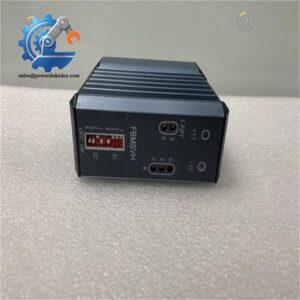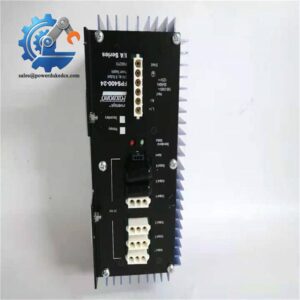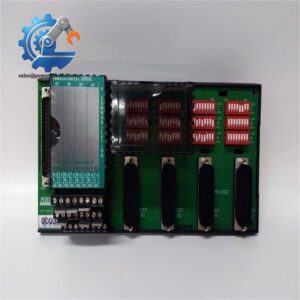
Description
- Brand: FOXBORO
- Model: DNBI
- Associated Part Number: P0970BC; verify the complete installed part number
- System/Series Family: Foxboro I/A Series Distributed Control System
- Core Function: Dual Nodebus Interface connecting supported 50 Series or 70 Series stations to the I/A Series Nodebus.
- Top 3 Technical Specifications:
- Nodebus Connectivity: Supports switching between two redundant Nodebus cable paths
- Station Compatibility: Designed for supported 50 Series and 70 Series stations
- Station-Side Interface: Attachment Unit Interface (AUI) connection
- Stock Status: Current availability and supplied condition subject to inventory verification; test results and warranty terms documented per quotation.
Technical Product Introduction
When a legacy Foxboro control station loses Nodebus communication, the resulting interruption can affect operator access, process data exchange, and maintenance operations. The FOXBORO DNBI, commonly identified with part number P0970BC, serves as a Dual Nodebus Interface within the I/A Series architecture. It connects supported 50 Series or 70 Series stations to the I/A Series Nodebus and provides the ability to switch between two redundant Nodebus cable paths. Communication between the DNBI and the connected station uses an Attachment Unit Interface (AUI) module. Correct identification matters: replacing the interface without checking the station type and cable arrangement can introduce a second fault during recovery.
For maintenance teams, the principal value lies in restoring the established communication architecture without automatically replacing the connected station or redesigning the control network. The two Nodebus paths support redundancy when the surrounding installation is correctly configured, while the AUI connection provides the station-side data interface. The DNBI is not a field I/O module, standalone controller, or Ethernet switch; its function belongs to the legacy I/A Series Nodebus architecture. Unlike the related DNBX extender, which uses a different cable arrangement for longer-distance connections, the DNBI must be matched to the original installation requirements. Verify the complete hardware identification, cable types, and supported station configuration before procurement.
Application Scenarios & Field Realities
- Legacy application processor connectivity: When a supported 50 Series station can no longer communicate reliably with the I/A Series Nodebus, inspect the DNBI and its associated interface cables before replacing the station itself. Check hardware indicators and existing communication diagnostics to distinguish an interface fault from a failed Nodebus transceiver or cable.
- Operator workstation infrastructure: In installations using supported 70 Series stations, the DNBI provides the connection between the station and the Nodebus. During maintenance, preserve the original interface arrangement and confirm that the connected station is supported by the replacement hardware.
- Redundant control-network maintenance: Where two Nodebus cable paths are installed, verify both connections and the expected switching behavior. A dual-interface designation alone does not prove that both paths are operational or that the standby path will take over correctly.
- Legacy system lifecycle support: During a planned outage, replacing a failed DNBI may limit intervention to the communication interface rather than the wider control system. First establish whether the failure originates in the interface module, station-side AUI connection, Nodebus cable, or connected station.
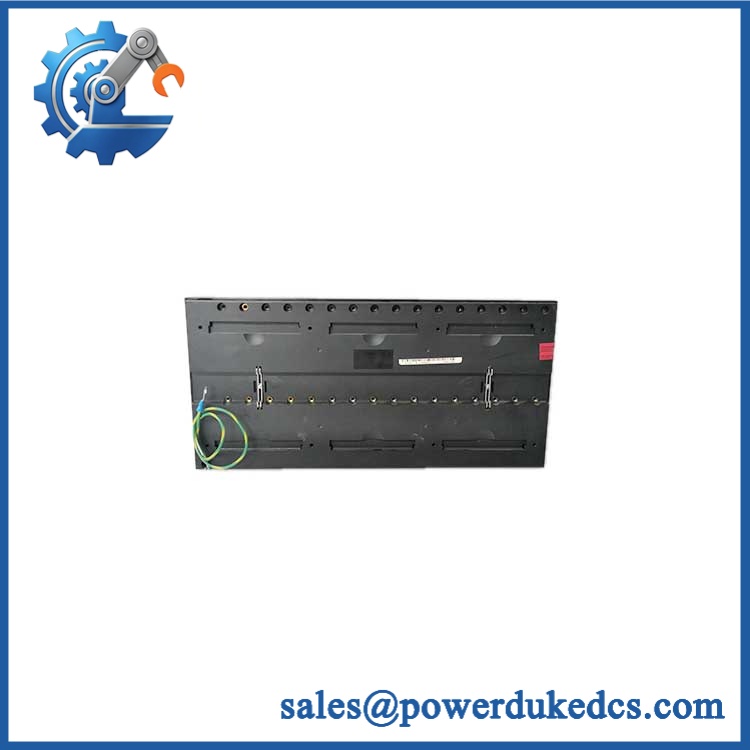
Foxboro DNBI P0970BC
Migration, Compatibility & Installation Traps
Replacement Compatibility Matrix
| Classification | Engineering Assessment |
|---|---|
| Drop-in Replacement | Conditional. A matching DNBI with the same applicable hardware identification and compatible cable arrangement is the preferred replacement candidate. Verify the full part number, revision, station type, and interface connections before installation. |
| Software Compatible | Configuration-dependent. Do not assume firmware flashing or software recompilation is required. Confirm station software support, node addressing or letterbug settings where applicable, and the approved system configuration. |
| Hardware Modification Required | Potentially required for alternative interfaces. Substitution with a DNBX extender or another Nodebus interface may require different cables, connection arrangements, or engineering changes. Obtain approval against the original system documentation before proceeding. |
Field Traps to Watch Out For
DNBI versus DNBX cable compatibility
The DNBI and DNBX serve related Nodebus functions, but their cable arrangements and supported transmission distances differ. The DNBX is intended for extended-distance installations using a different combination of coaxial and AUI cabling. Do not substitute one for the other merely because both connect to the I/A Series Nodebus. Verify the original interface type and cable part numbers against the applicable hardware manual.
Before removal, document the station-side AUI connection, associated control or serial cables, node identification settings, and front-panel status. Preserve cable orientation and connector assignments. After installation, check that the intended station is recognized and that Nodebus communication has returned; a physically secure connector alone is insufficient evidence of correct operation.
Redundancy and controlled restart
Inspect both Nodebus paths and verify that the installed system is configured to use the intended redundant arrangement. Follow the site’s isolation and electrostatic-discharge procedures. Do not assume that the interface supports hot-swapping without confirmation from the applicable hardware documentation.