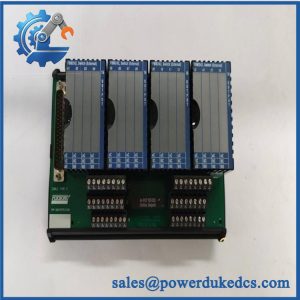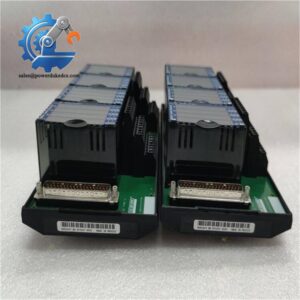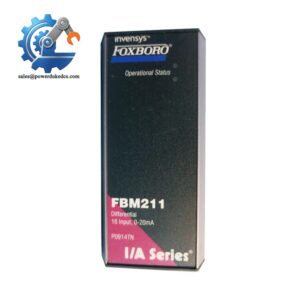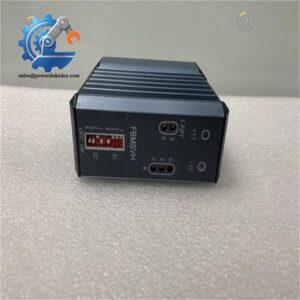
Description
- Brand: Foxboro
- Full Model Number: AD908MF
- System/Series Family: Foxboro industrial process-control equipment; exact platform generation requires verification
- Core Function: Industrial control component for replacement in an existing installation, subject to confirmation of its specific function
- Top 3 Hardcore Specs:
- Part Identification: AD908MF
- Electrical and I/O Specifications: Verify supply requirements, signal type, and interface against the OEM documentation
- System Compatibility: Confirm host platform, hardware revision, and firmware requirements
- Stock Status: Availability and unit condition subject to current inventory inspection; New Surplus or Tested Used classification to be established for the supplied unit
Technical Product Introduction
Unexpected control hardware failures can delay startup, interrupt process monitoring, or extend a scheduled maintenance outage. The Foxboro AD908MF is a model-specific industrial control spare to consider when maintaining an existing Foxboro installation. Before ordering, maintenance teams should establish the installed module’s exact function, revision, and location within the control architecture. Matching the complete part number is the starting point—not sufficient proof of interchangeability.
For maintenance procurement, sourcing the exact installed model can reduce the engineering work associated with evaluating a different product family. The final decision still depends on electrical requirements, interface configuration, and hardware compatibility. Publicly available product information does not establish sufficiently reliable AD908MF-specific figures for channel count, operating voltage, communication protocol, processing speed, or memory capacity. Those values should be confirmed using the OEM documentation and installed equipment records rather than estimated (particularly on legacy systems where undocumented revisions may remain in service). Confirming these details before dispatch helps reduce the risk of ordering an unsuitable spare and extending equipment downtime.
Application Scenarios & Field Realities
- During an unplanned control-cabinet outage: If AD908MF is identified as the failed component in the installed Foxboro system, compare its complete nameplate, revision markings, connector arrangement, and physical dimensions against the replacement candidate before authorizing shipment.
- Ahead of a scheduled plant turnaround: Maintenance planners can evaluate AD908MF as a candidate for critical-spares inventory. Verify the installed quantity, failure consequence, remaining service life of the surrounding equipment, and availability of an approved replacement before setting minimum stock levels.
- When restoring a legacy process-control installation: Where original drawings are incomplete, capture photographs of the installed component, rack or mounting assembly, connected interfaces, and neighboring modules. These records help resolve identification discrepancies before the replacement reaches the site.
- During commissioning after a component change: Do not assume that physical fit confirms operational compatibility. Verify the approved configuration, power requirements, diagnostics, and relevant control-system functions before returning affected equipment to normal service.
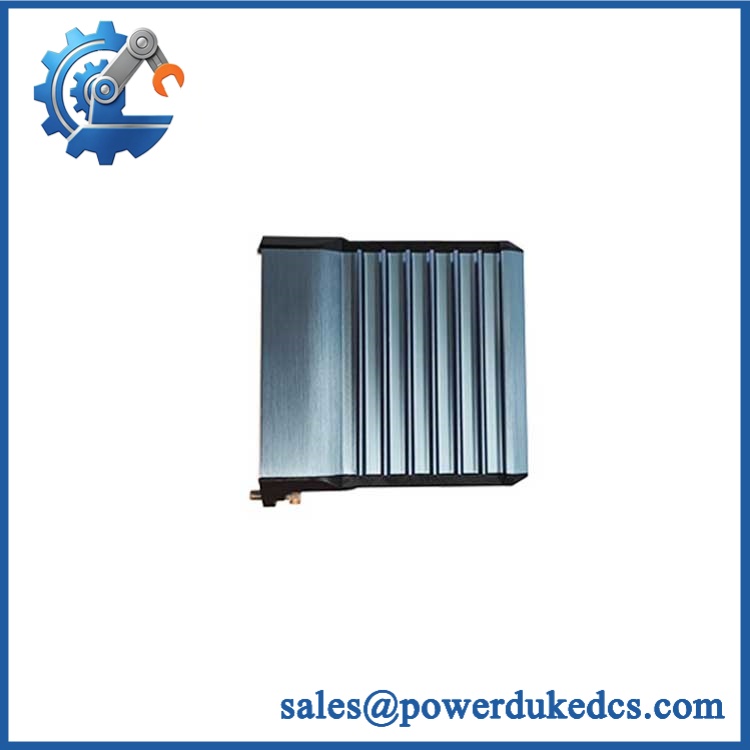
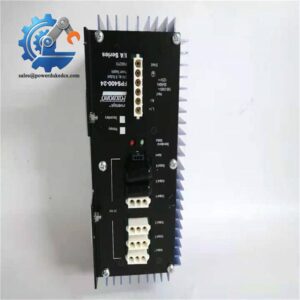
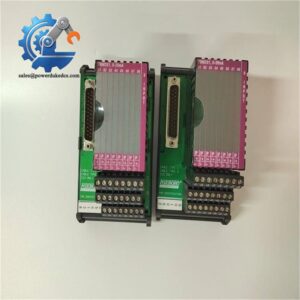
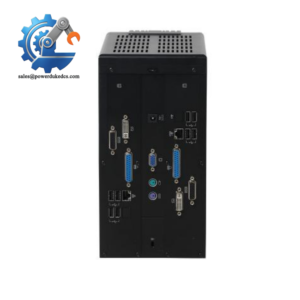
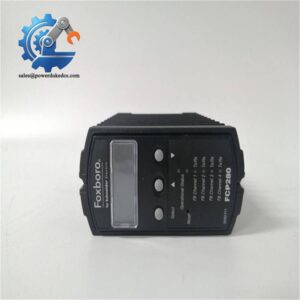
Foxboro AD908MF
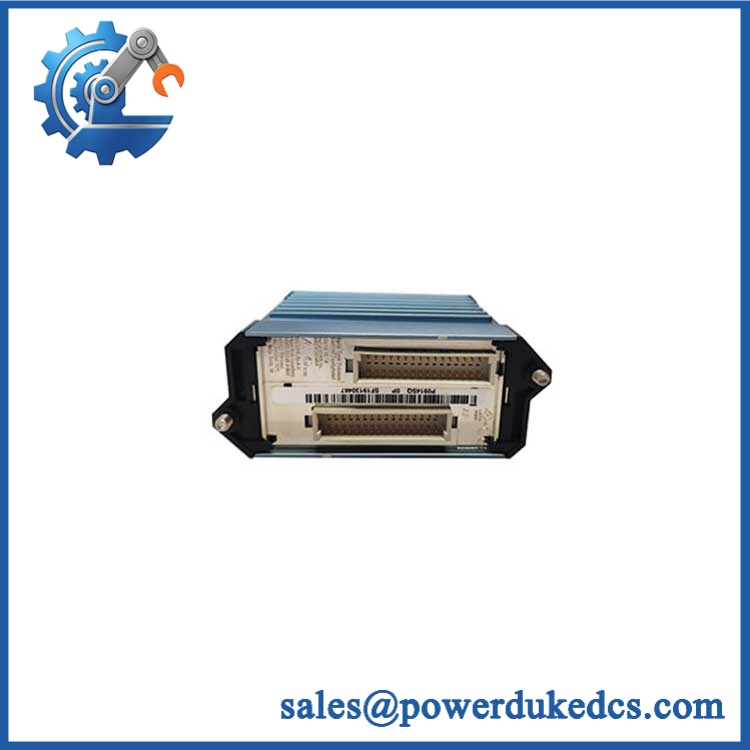
Foxboro AD908MF
Migration, Compatibility & Installation Traps
Replacement Compatibility Matrix
| Replacement Scenario | Classification | Engineering Requirements |
|---|---|---|
| Exact model and matching hardware revision | Conditional drop-in replacement | Confirm electrical ratings, connectors, configuration, and installed-system requirements |
| with a different hardware revision | Compatibility review required | Check revision documentation, firmware dependencies, and any documented hardware changes |
| Alternative Foxboro model or successor | Not established as a drop-in replacement | Obtain OEM compatibility documentation and complete an engineering review before substitution |
| Replacement involving different interfaces or mounting hardware | Potential hardware modification required | Verify pin assignments, mechanical dimensions, wiring, and any required configuration changes |
Replacement decision: should be treated as a potential like-for-like replacement only after the installed configuration and replacement unit have been matched. An identical model number alone does not establish unconditional compatibility.
Field Traps to Check Before Installation
Revision and configuration mismatch
Legacy installations may contain hardware revisions with different configuration requirements. Record the complete model and revision from the existing unit, then compare them with the replacement and the relevant system documentation. Do not assume that a firmware update, parameter transfer, or configuration rebuild is either necessary or unnecessary without evidence.
Connector, wiring, and power errors
Before installation, verify the connector orientation, pin assignments, supply requirements, grounding provisions, and mounting arrangement against the applicable OEM instructions. Isolate power and follow site lockout/tagout and electrostatic-discharge procedures. Never use a connector that physically fits as the sole basis for approving the electrical interface.
If the module participates in a redundant or safety-related control function, follow the approved change procedure and verify the required safeguards before disturbing the operating system.
us statement alone.